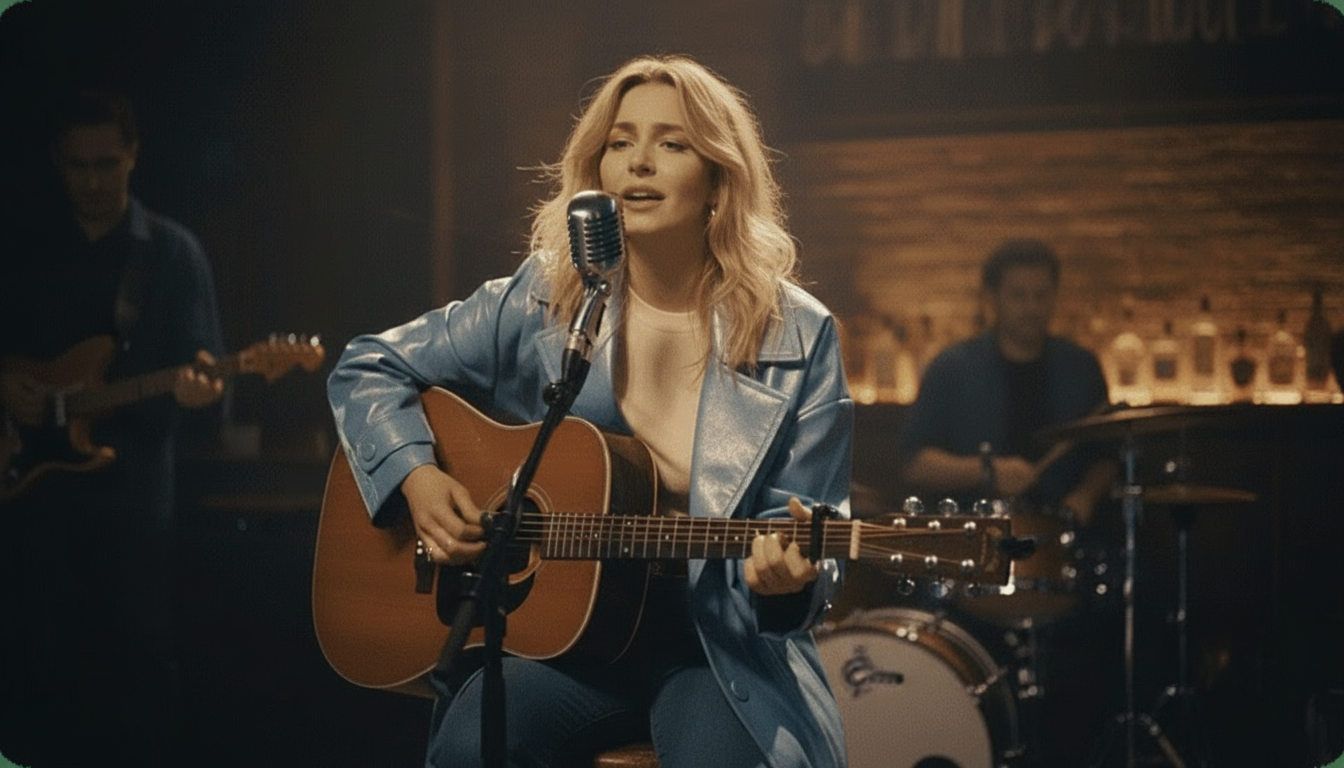
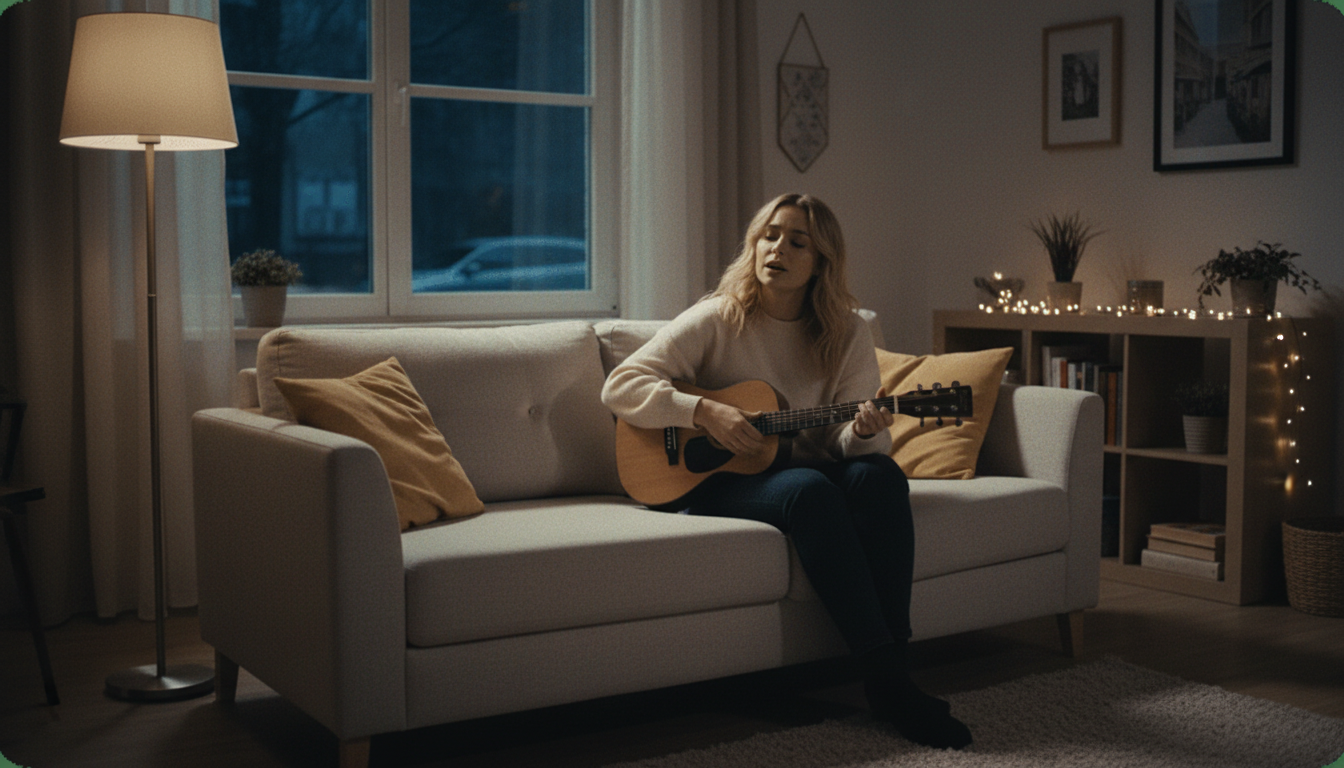
Free AI Singing Avatar Generator, No Watermark
Upload a character image, an illustration, or a photo you have the rights to use, and this generator turns it into a singing avatar with realistic lip sync. Export free in HD, no watermark.

Why Use This Singing Avatar Generator Instead of a Paid One?
Many singing avatar tools cap free use at a short clip, then charge for HD output, a watermark-free export, or a longer track. This generator includes free HD export, watermark-free downloads, and private generation, whether the uploaded image is a real photo, an illustrated character, or a generated persona.
How Do You Make an AI Singing Avatar?
From a character image and a song to a singing avatar video in three steps.
Upload your avatar image
Add a photo, illustration, or character image you own or have permission to use. A clear, front-facing image works best for the AI to read the face before animating it.
Pick a song and a stage
Choose the song your avatar will lip-sync to, then pick one of 6 instant stage presets, or write a custom scene prompt to control the setting yourself.
Generate and export
The AI matches your avatar's mouth movement to the song and renders the finished video. Export in HD with no watermark, free, ready to share or keep private.
What Can This AI Singing Avatar Generator Do?
Any character image, real lip sync, and a proper stage.
Works With Photos, Illustrations, or Character Art
Upload a real photo, a drawn character, or another kind of avatar image, and this generator applies the same lip-sync engine regardless of the source. The mouth-matching approach reads the shape of the face in the image, so it isn't limited to only real photographs the way some singing photo tools are.
- Works on photos and illustrated characters
- Same engine as the singing photo modes
- 1 image needed to start

6 Instant Stage Presets, Not the Original Background
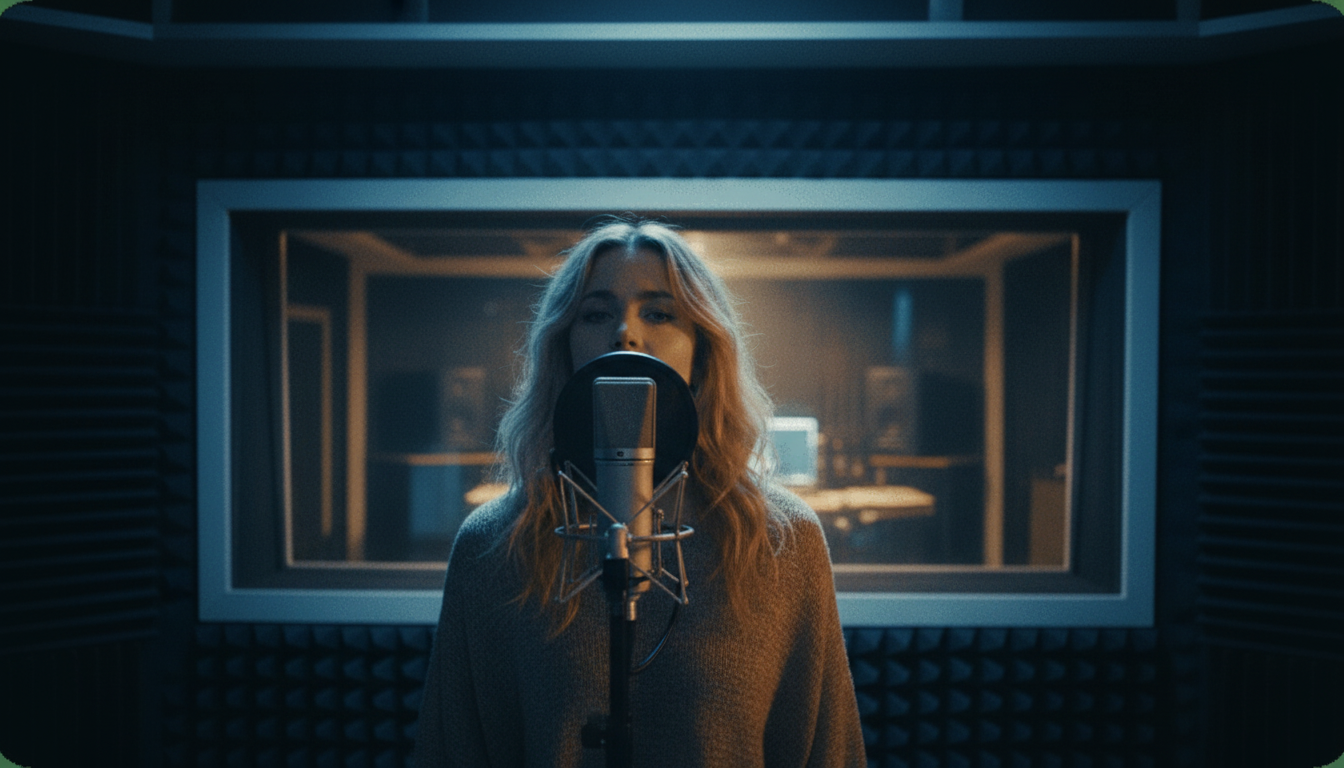
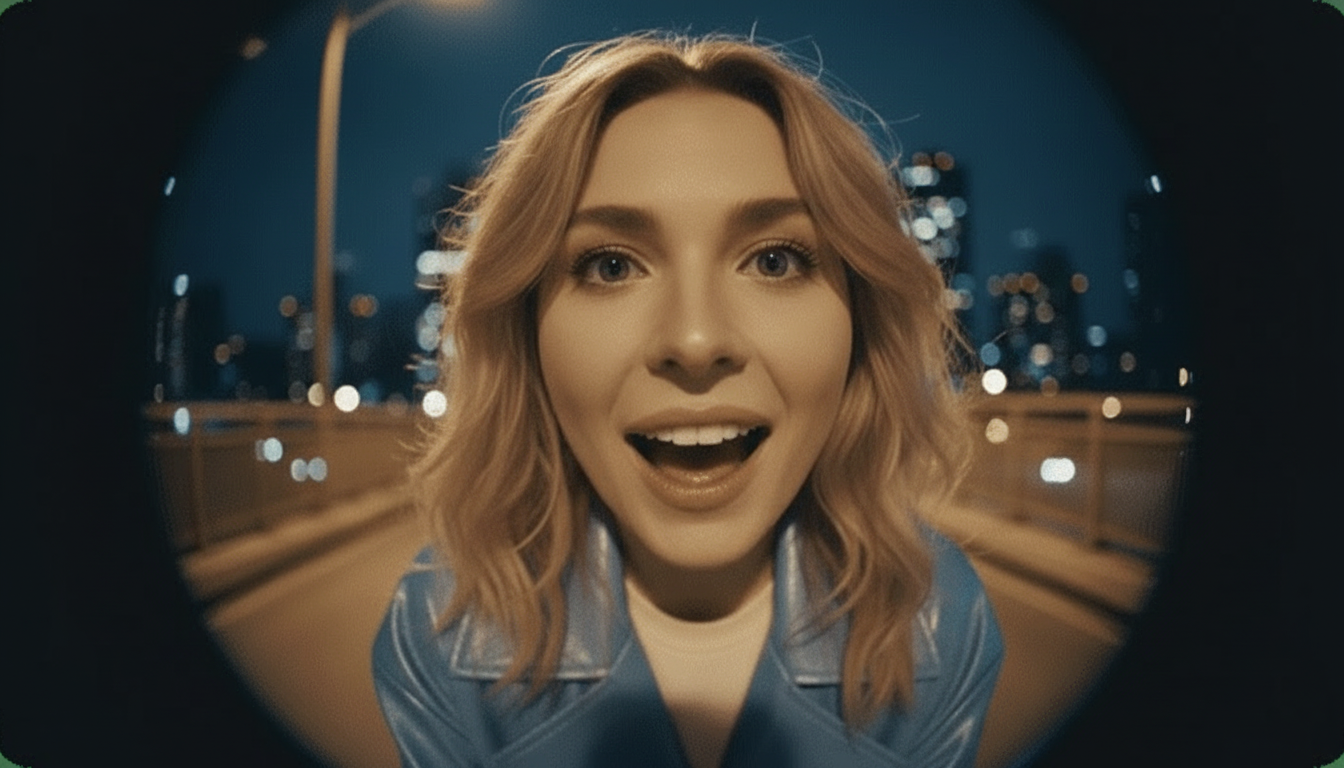
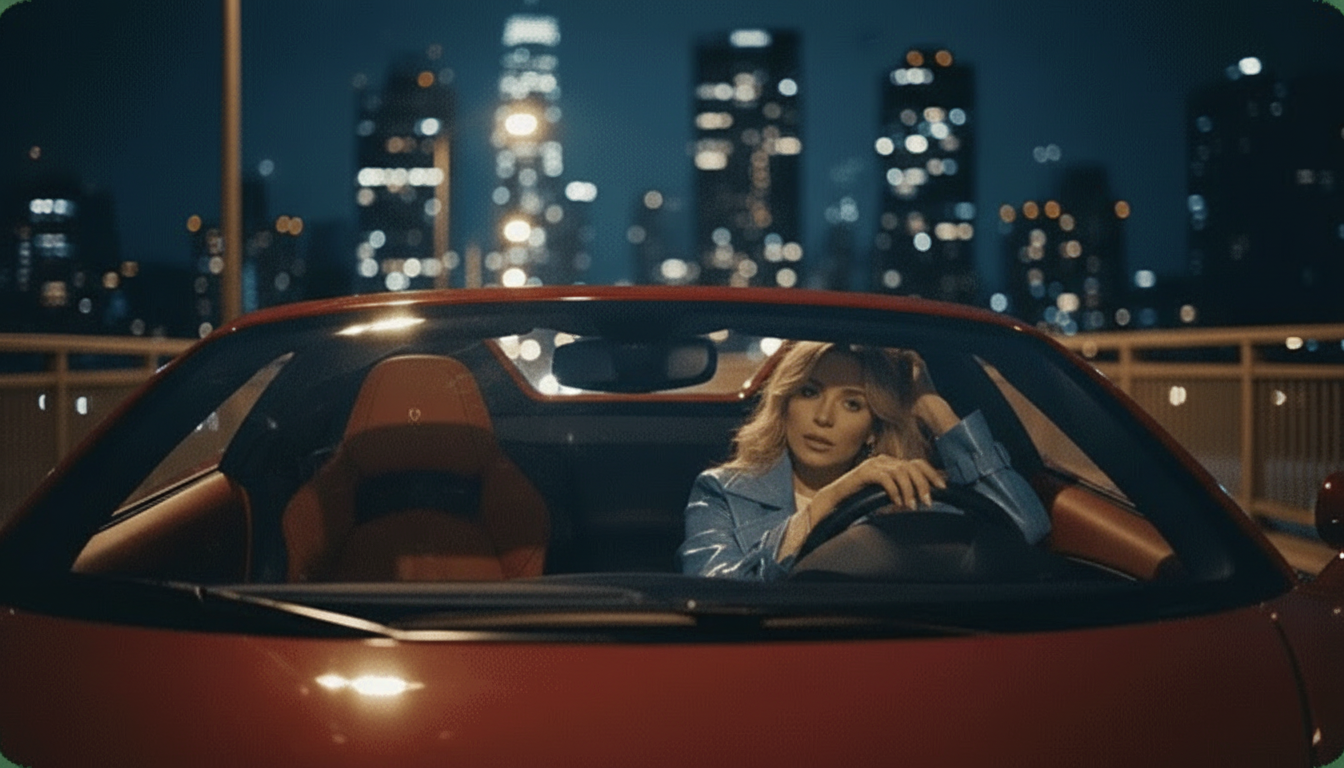
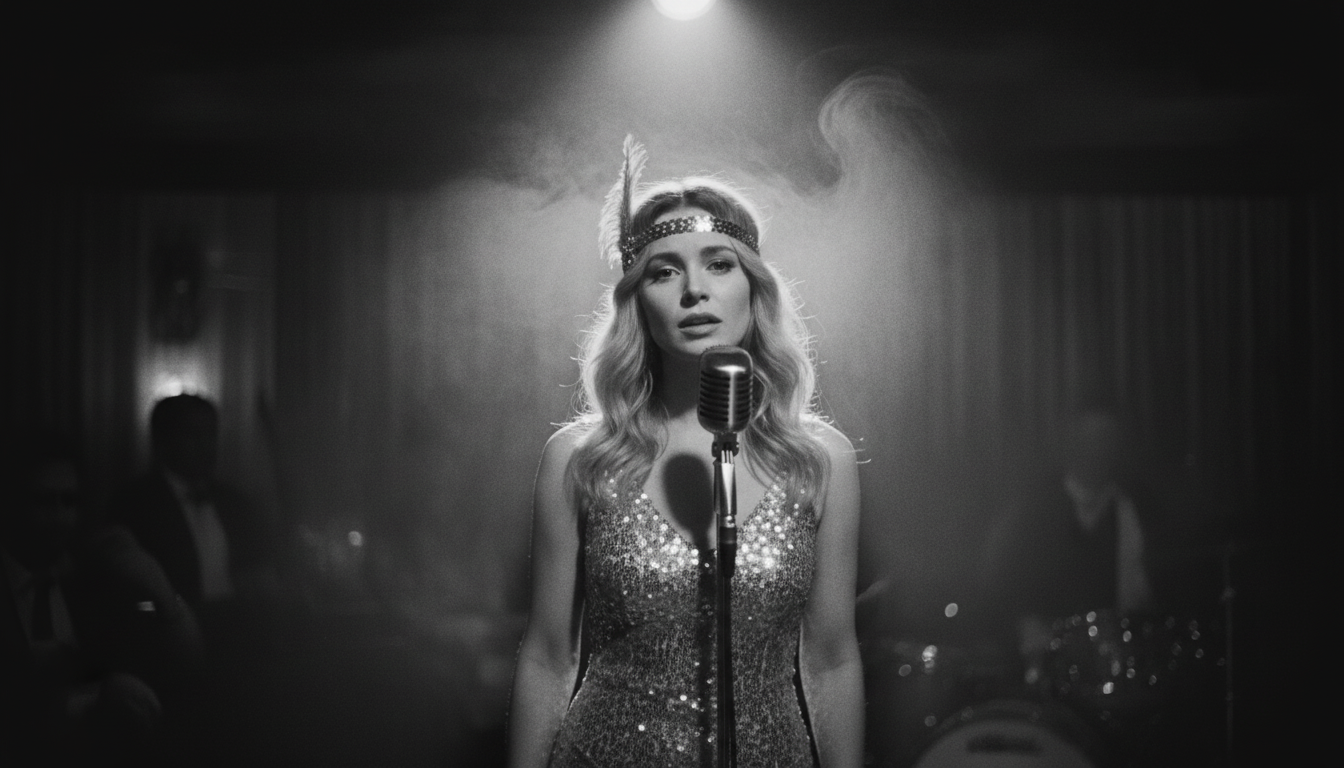
Most avatar tools leave the original background untouched and only animate the mouth on top of it. This generator replaces the background in one click with a named stage preset instead, Studio, Jazz Club, Home, Bar, Supercar, or Fisheye, so your avatar looks like it's performing on a real stage.
- 6 named stage presets
- One click, no prompt needed
- Replaces the original image background

Custom Scene Editing on Top of the Presets
When one of the 6 presets is close but not quite right, prompt-driven Custom Scene Editing lets you adjust stage, lighting, camera, setting, and atmosphere on top of it, not instead of it, for a more specific look tailored to your avatar's style.
- Prompt-driven scene control
- Adjusts lighting and camera angle
- Layers on top of the presets

Reuse an Avatar You Have Already Uploaded
Once an avatar image is on the platform, make another singing video from it with a different song, or try a different stage preset, without digging through your files to upload the same character image again each time.
- No repeat uploading
- Try a new song on the same avatar
- Switch stage presets on the same upload

Beyond Singing Avatars: Lyrics Videos and Stem Splitting
Animating an avatar into a singing video is one part of what this site does. If you're working with a song and want the words displayed on screen instead, the lyrics video maker and karaoke video maker auto-sync text to the beat. If you need a clean instrumental or isolated vocal track, the stem splitter tools handle that on a separate engine.
- Lyrics video and karaoke video tools available
- Stem splitter and vocal remover tools available
- Free across all three, not just avatars

Free HD Export, No Watermark, Private Generation
Every singing avatar video you make exports in HD with no watermark and no paid tier to unlock it. Generations are private by default too, so you can preview a result before deciding whether to debut your avatar publicly.
- Free HD export every time
- No watermark, ever
- Private generation, no paid plan needed
How Does This AI Singing Avatar Generator Compare?
Where this generator differs from three well-known image-to-video tools.
What Do You Get From This AI Singing Avatar Generator?
Any character image, a real stage, and no cost to make it sing.
Not Limited to Real Photos
A Real Stage, Not the Same Background
Less Repeat Uploading
Actually Free, Not a Trial
More Free Singing, Talking, and Lyrics Video Tools
Other free ways to turn a photo or song into a video.
What Do Creators Say About This AI Singing Avatar Generator?
Feedback from creators making their first singing avatar videos.
Who Uses This AI Singing Avatar Generator?
Built for anyone turning a character image into a singing video, free.
Virtual Persona Creators
Streamers and Content Creators
Indie Game Developers
Independent Musicians
Common Questions About This AI Singing Avatar Generator
Cost, image requirements, and what counts as an avatar.
Is this AI singing avatar generator free?
Does the avatar have to be a real photo?
How do the stage presets work?
How is this different from HeyGen, musci.io, or aisongmaker.io?
Do I have to upload a new avatar every time?
Is my generation kept private?
What kind of image works best for an avatar?
Can I use a game or brand character as my avatar?
Can I generate more than one video from the same avatar?
Does this work the same as the singing photo modes?
- Is this AI singing avatar generator free?
- Yes, completely free. HD export, watermark-free export, and private generation are included at no cost, with no tiered plan hiding any of it behind a paywall. That is different from tools like HeyGen, whose free plan covers only short clips, or musci.io, which caps free exports at 480p resolution.
- Does the avatar have to be a real photo?
- No. An illustrated character, a generated persona, or another kind of avatar image works the same way a real photo would, using the same underlying lip-sync engine. Whatever the image is, upload only ones you own or have permission to use.
- How do the stage presets work?
- Pick one of 6 named presets, Studio, Jazz Club, Home, Bar, Supercar, or Fisheye, to replace the avatar's original background in one click, no prompt needed. Custom Scene Editing lets you adjust lighting, camera angle, and atmosphere further when a preset is close but not quite right.
- How is this different from HeyGen, musci.io, or aisongmaker.io?
- All three lean primarily toward real photos, while this generator works with illustrated or generated avatar images just as well. On top of that, it includes free HD export, no watermark, and no separate short trial cap, unlike HeyGen's short-clip free plan or aisongmaker.io's 1-second free trim.
- Do I have to upload a new avatar every time?
- No. Once an avatar image is on the platform, you can reuse it for a new song or a different stage preset without digging through your files to upload it again, useful for trying several songs against the same character image.
- Is my generation kept private?
- Yes, generation is private by default, and this is included at no cost rather than reserved for a paid plan. That matters if you want to preview an avatar's singing debut before deciding whether to share it publicly.
- What kind of image works best for an avatar?
- A clear, front-facing image where the face is visible and not obscured tends to give the most accurate lip sync result, whether that's a photo, a drawn character, or a generated persona, since the AI reads the shape of the mouth first.
- Can I use a game or brand character as my avatar?
- Only if you have the rights to use that character image. This generator can technically lip-sync any uploaded image, but the rights and permission boundary applies regardless of whether the image is a real photo or a character asset.
- Can I generate more than one video from the same avatar?
- Yes. There is no generation count to run out of, so the same uploaded avatar can be used for as many different songs as you want, at no extra cost each time, without a paid plan required to keep going.
- Does this work the same as the singing photo modes?
- Yes, it's the same underlying lip-sync engine, stage presets, and free export terms, just marketed toward avatar and character images rather than only photos of real people, so the core mechanism and rules are identical either way.