karaokemaker.ai

Free Lip Sync Photo Generator, No Watermark

Upload one photo, or one you have the rights to use, and this generator matches its mouth movement to any song, phoneme by phoneme. Pick a stage preset and export free in HD, no watermark.

  • Phoneme-level mouth movement, not a generic loop
  • Works from any uploaded song
  • 6 instant stage presets, no prompt needed
  • Free HD export, no watermark, private generation
  • Reuse a previously uploaded photo, no re-upload needed
  • Upload your own photo, or one you have permission to use
Why Creators Use This

Why Use This Lip Sync Photo Generator Instead of a Paid One?

Many lip sync photo tools cap free use at a short clip length or hand out a limited number of generations, then charge for HD output or a longer video. This generator includes free HD export, watermark-free downloads, and private generation with no tiered plan and no generation count to run out of.

1,000,000,000+
Seconds of music visualized
As of May 2026, the platform has rendered over 1 billion seconds of AI music visuals.
1,000,000+
Creators worldwide
As of May 2026, the platform has served over 1 million creators across the world.
Over 150
Countries resonated
As of May 2026, creators from more than 150 countries have built music videos with this platform.
How It Works

How Do You Lip Sync a Photo for Free?

From a photo and a song to a lip-synced video in three steps.

01

Upload a photo

Add a photo you own or have permission to use. The AI reads the face once and prepares it for lip sync, working from a clear, front-facing shot for the best result.

02

Add your song and pick a stage

Upload the song you want the photo to lip-sync to, then pick one of 6 instant stage presets, or write a custom scene prompt to control the setting yourself.

03

Generate and export

The AI matches mouth movement to the song phoneme by phoneme and renders the video. Export in HD with no watermark, free, ready to share or keep private.

Core Capabilities

What Can This Lip Sync Photo Generator Do?

Precision mouth movement, a real stage, and free export.
Mouth Movement Matched Phoneme by Phoneme
PRECISION LIP SYNC

Mouth Movement Matched Phoneme by Phoneme

This generator reads the shape of the mouth in your photo and matches it to your chosen song at the phoneme level, not a looping generic animation layered on top. That precision is what separates a convincing lip sync from a photo that just has something moving near the mouth.
  • Phoneme-level accuracy
  • 1 photo needed to start
  • Works from any uploaded song
6 Instant Stage Presets, Not the Original Background
STAGE PRESETS

6 Instant Stage Presets, Not the Original Background

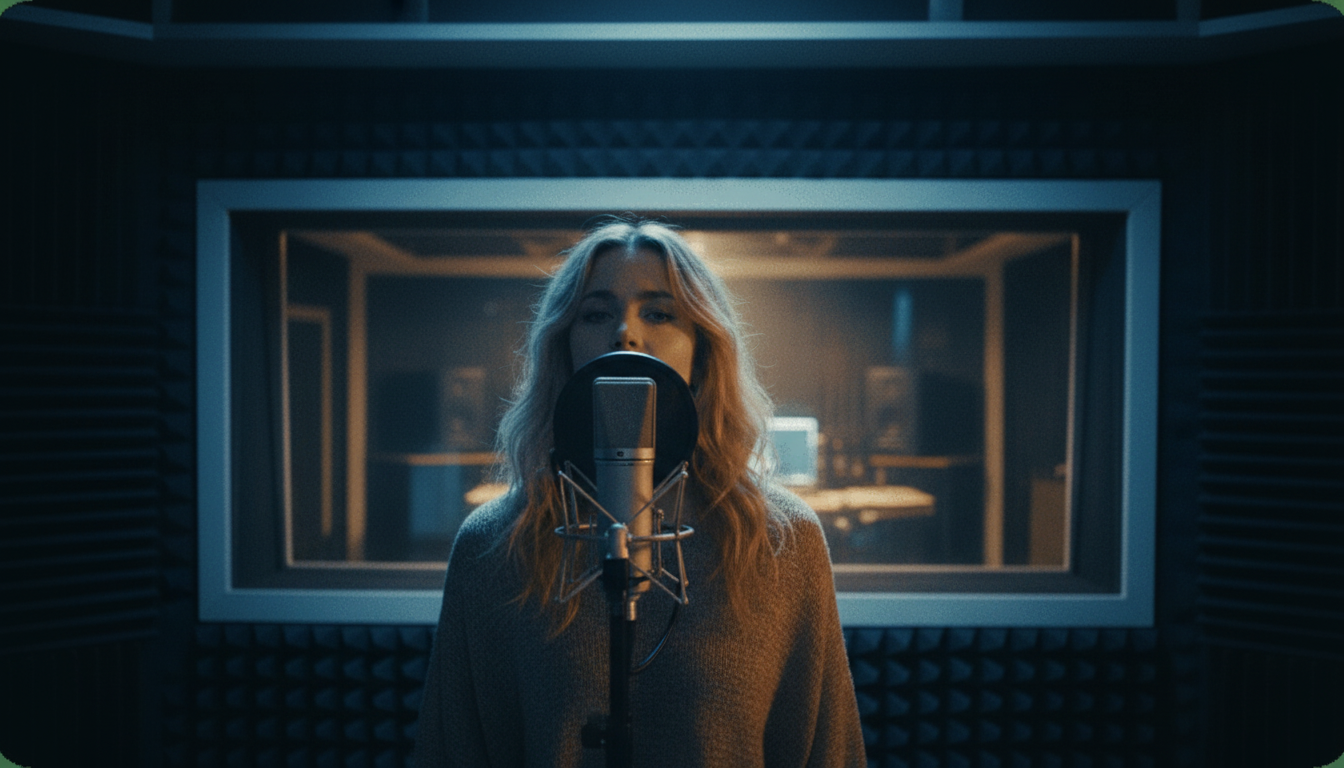
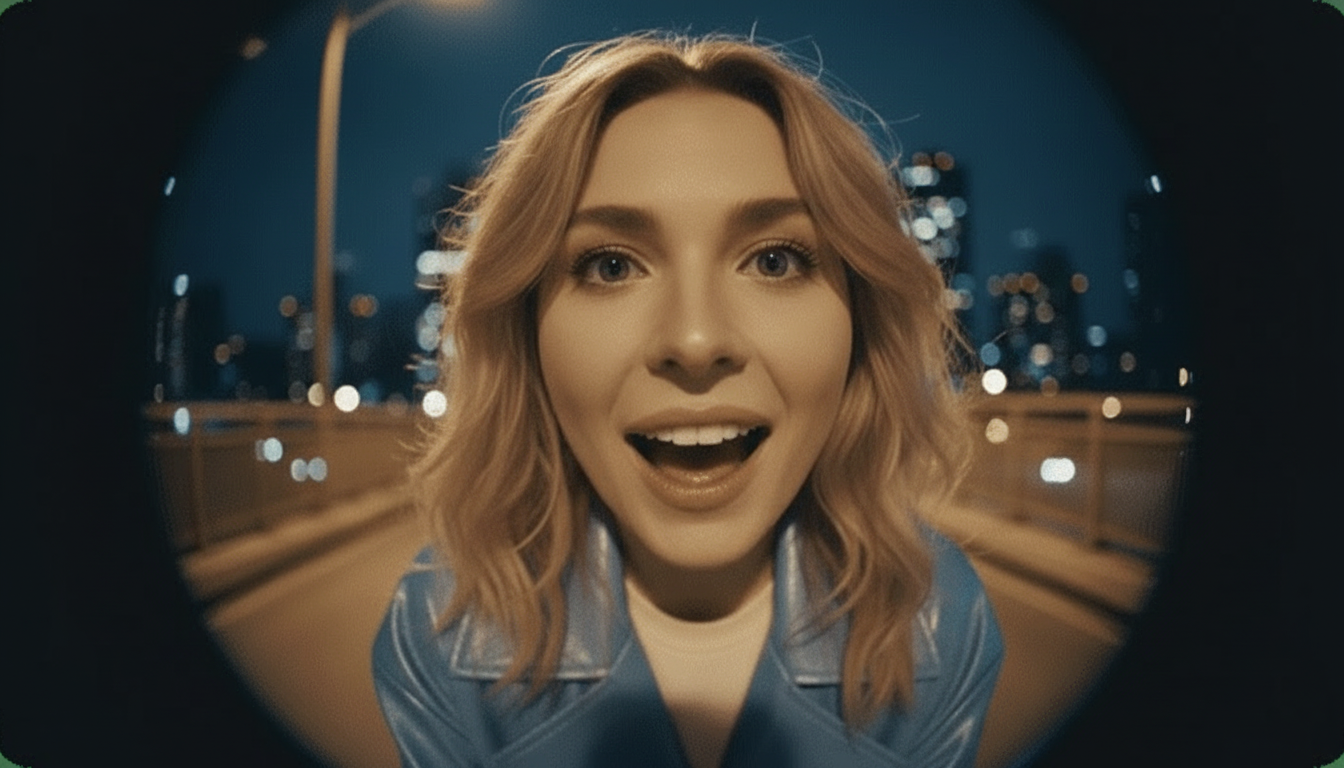
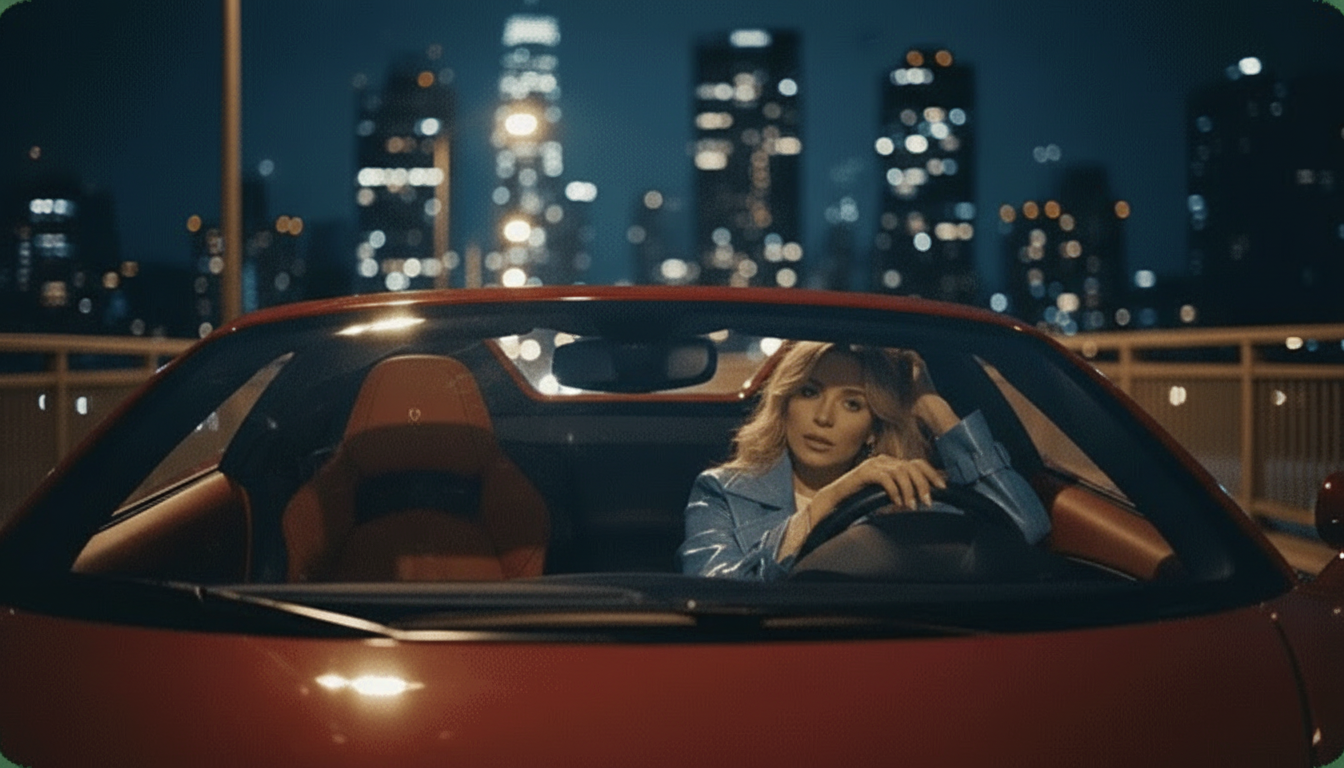
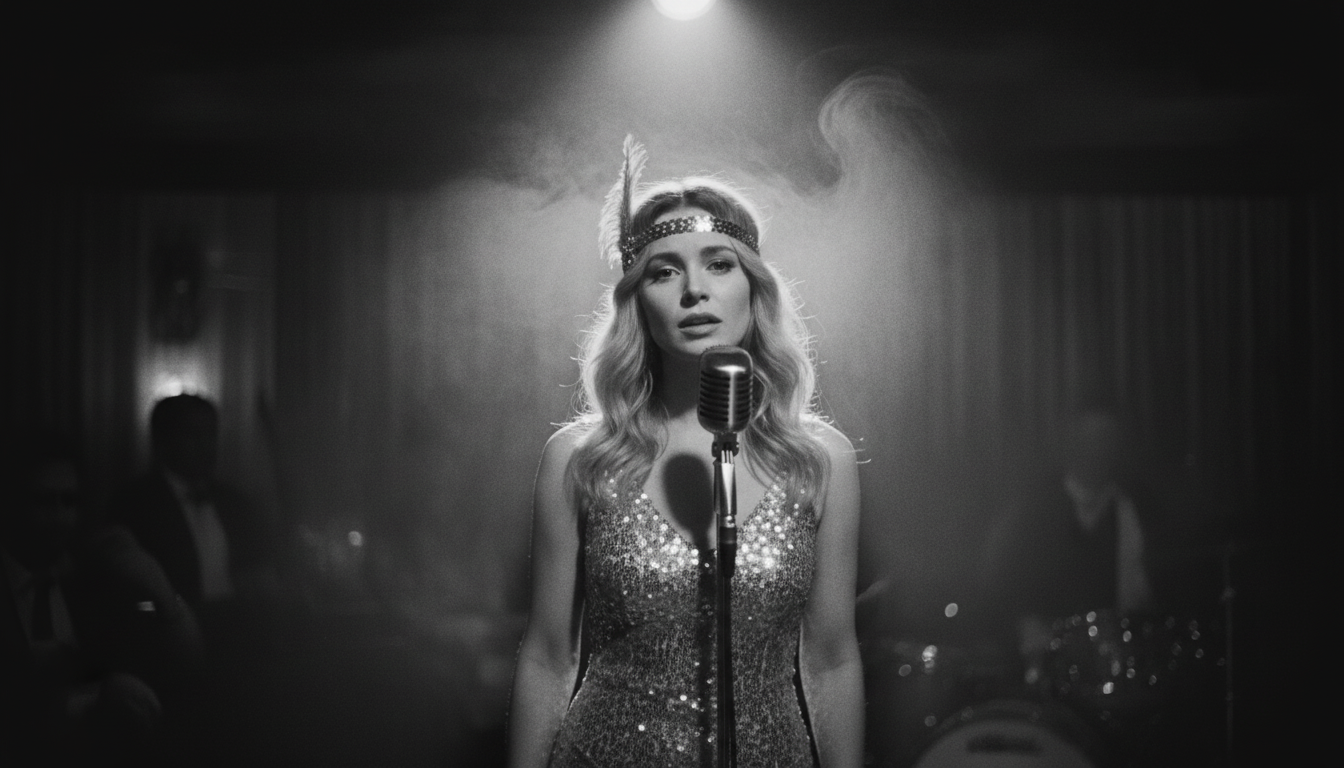
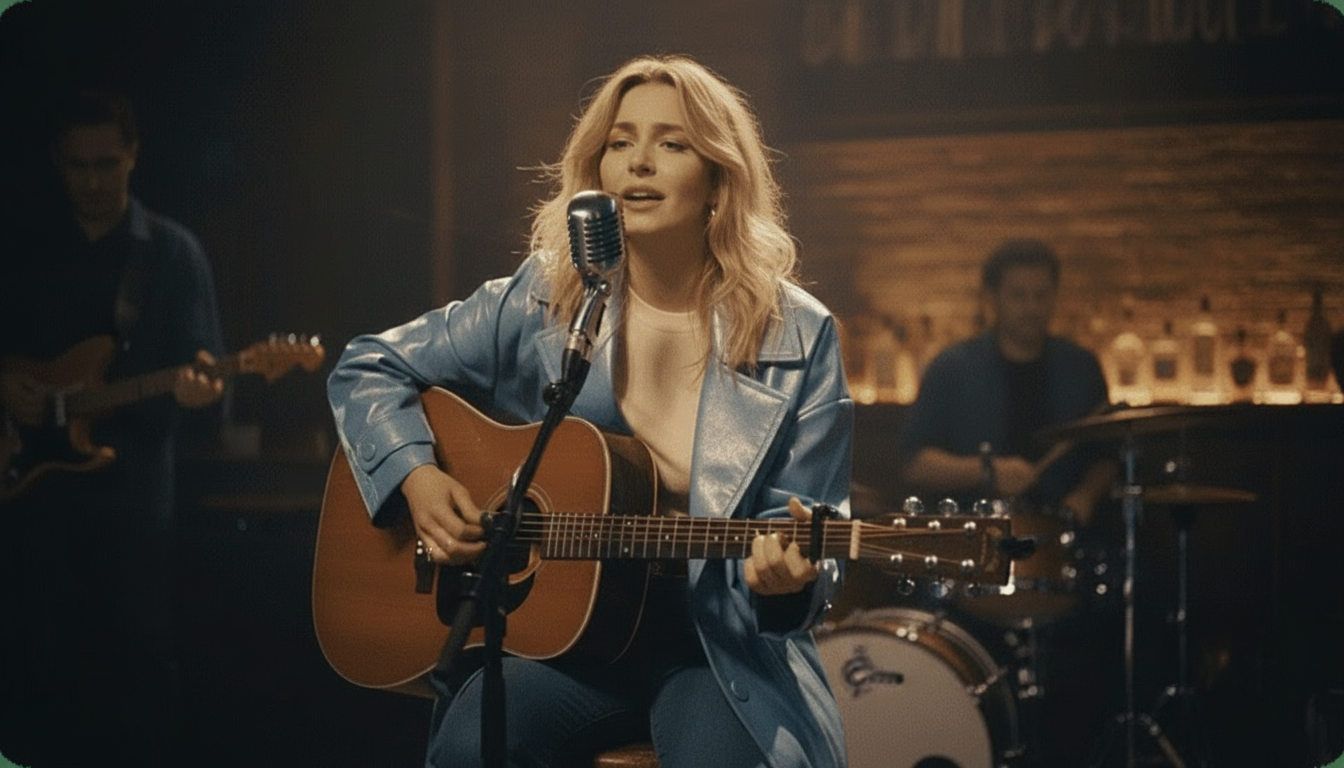
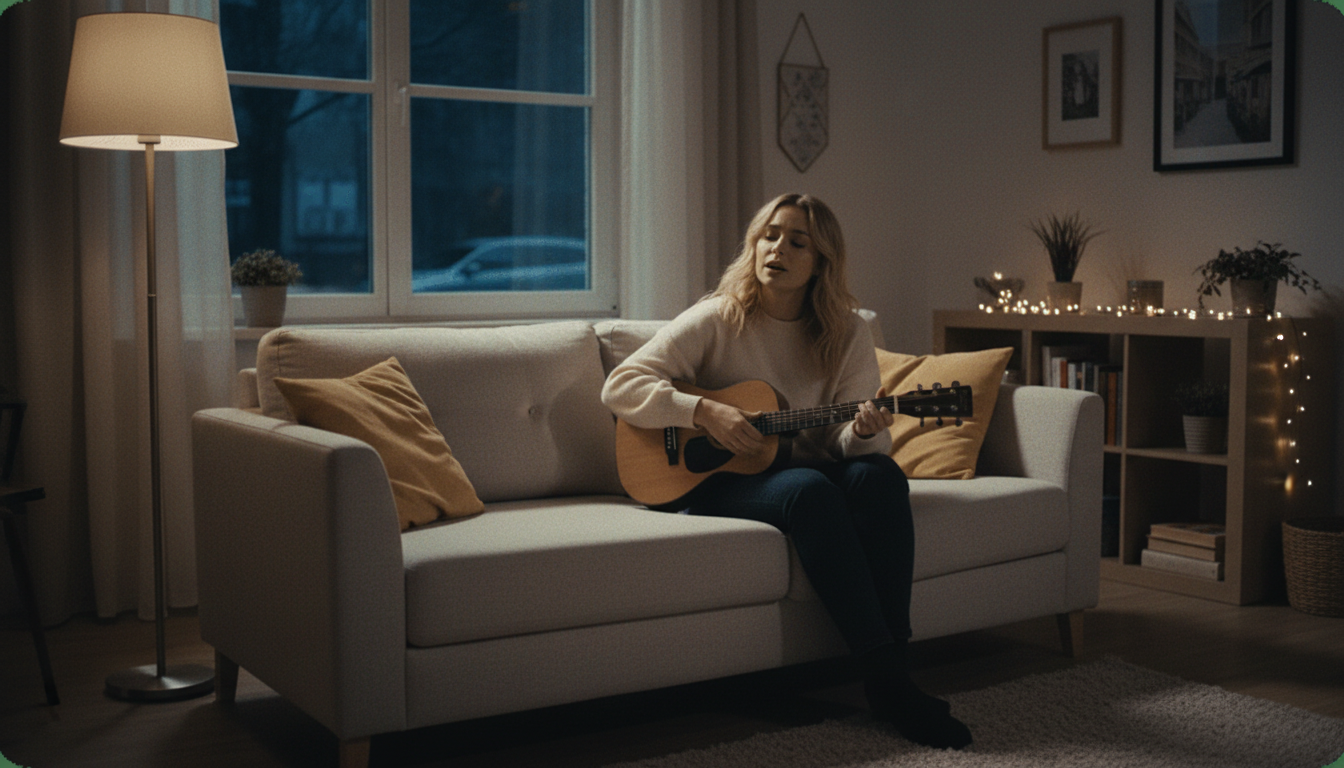
Most lip sync photo tools leave the original background untouched and only animate the mouth on top of it. This generator replaces the background in one click with a named stage preset instead, Studio, Jazz Club, Home, Bar, Supercar, or Fisheye, for a finished look closer to a real performance.

  • 6 named stage presets
  • One click, no prompt needed
  • Replaces the original photo background
Custom Scene Editing on Top of the Presets
CUSTOM SCENE

Custom Scene Editing on Top of the Presets

When one of the 6 presets is close but not quite right, prompt-driven Custom Scene Editing lets you adjust stage, lighting, camera, setting, and atmosphere on top of it, not instead of it, giving room to describe an exact look without losing the preset as a starting point.
  • Prompt-driven scene control
  • Adjusts lighting and camera angle
  • Layers on top of the presets
Reuse a Photo You Have Already Uploaded
ASSET REUSE

Reuse a Photo You Have Already Uploaded

Once a photo is on the platform, lip-sync it to a different song, try a different stage preset, or generate another video without digging through your files to upload the same photo a second time.
  • No repeat uploading
  • Try a new song on the same photo
  • Switch stage presets on the same upload
Beyond Lip Sync Photos: Lyrics Videos and Stem Splitting
ALSO ON THIS SITE

Beyond Lip Sync Photos: Lyrics Videos and Stem Splitting

Matching a photo's mouth to a song is one part of what this site does. If you're working with a song and want the words displayed on screen instead, the lyrics video maker and karaoke video maker auto-sync text to the beat. If you need a clean instrumental or isolated vocal track, the stem splitter tools handle that on a separate audio engine.
  • Lyrics video and karaoke video tools available
  • Stem splitter and vocal remover tools available
  • Free across all three, not just lip sync
Free HD Export, No Watermark, Private Generation
FREE, EVERY TIME

Free HD Export, No Watermark, Private Generation

Every lip sync photo you make exports in HD with no watermark and no paid tier to unlock it. Generations are private by default too, so you can preview a result before deciding whether to share it, at no cost either way.

  • Free HD export every time
  • No watermark, ever
  • Private generation, no paid plan needed
Side-by-Side

How Does This Lip Sync Photo Generator Compare?

Where this generator differs from three well-known lip sync tools.

Feature
karaokemaker.ai
HeyGen
musci.io
aisongmaker.io
Price
Completely free, no paywall
Free plan for short clips, paid plan for more
Free with Standard/Pro tiers, yearly discount offered
Free trial, upgrade to unlock longer uploads
Watermark on export
None, ever
Watermark on the free plan
Not specified as watermark-free
Free-tier audio length
No separate short trial cap
Short clips only, per HeyGen
Standard mode up to 10 min, Pro capped at 60s, per musci.io
Trimmed to 1 second free, per aisongmaker.io
HD export
Included free
Paid plan required, per HeyGen
480p free, 720p on Pro tier, per musci.io
Included in free trial, per aisongmaker.io
Stage or scene presets
6 named presets plus custom scene prompts
No stage preset feature, per HeyGen
Limited scene options, per musci.io
No stage preset feature, per aisongmaker.io
Photo reuse
Reuse an uploaded photo without re-uploading
Not specified, per HeyGen
Not specified, per musci.io
Not specified, per aisongmaker.io
Private generation
Included free
Not specified as private, per HeyGen
Not specified as private, per musci.io
Not specified as private, per aisongmaker.io
Generation limit
No generation count to run out of
Plan-dependent limits, per HeyGen
Plan-dependent limits, per musci.io
Trial-based limit, per aisongmaker.io
Why It's Worth Using

What Do You Get From This Lip Sync Photo Generator?

Precise lip sync, a real stage, and no cost to make it.

Precision Over a Generic Loop

Phoneme-level mouth matching gives a more convincing result than tools that just layer a looping animation over the mouth area regardless of the actual words.

A Real Stage, Not the Same Background

Your photo gets a proper setting instead of standing in front of its original background, thanks to the 6 built-in stage presets.

Room to Get Specific

Custom Scene Editing gives you control over an exact lighting setup or camera angle, without losing the presets as a starting point.

Actually Free, Not a Trial

HD export, no watermark, and private generation come without an upgrade prompt waiting behind them, and no generation count to run out of.
What Creators Say

What Do Creators Say About This Lip Sync Photo Generator?

Feedback from people making their first lip-synced photos.

4.8/5
โ˜…โ˜…โ˜…โ˜…โ˜…
From 1,000,000+ creators Featured on
NP
Nadia Petrov
Content Creator, Sofia
โ˜…โ˜…โ˜…โ˜…โ˜…
Uploaded a photo of myself for a lip sync test and the mouth movement matched the lyrics more closely than I expected from a free tool with no watermark.
TW
Tomasz Wozniak
Meme Page Owner, Krakow
โ˜…โ˜…โ˜…โ˜…โ˜…
Used the Bar stage preset on a friend's photo for a joke video. It replaced the background completely instead of just animating the mouth on the original photo.
AR
Anaya Reddy
Freelance Editor, Hyderabad
โ˜…โ˜…โ˜…โ˜…โ˜†
Client wanted a specific lighting look, so I used Custom Scene Editing on top of the Jazz Club preset instead of building the scene from scratch on my own.
KM
Kofi Mensah
Video Producer, Accra
โ˜…โ˜…โ˜…โ˜…โ˜…
Compared it against two bigger names in this space and most cap the free tier at a short clip. This one let me use a full song with no trial cap.
ER
Emilia Rossi
Social Media Manager, Turin
โ˜…โ˜…โ˜…โ˜…โ˜…
Reused the same uploaded photo for three different songs over a week without re-uploading it each time. Saved a real amount of setup time for a busy content schedule.
VC
Vikram Chauhan
Independent Musician, Chandigarh
โ˜…โ˜…โ˜…โ˜…โ˜†
Generated a private preview before deciding whether to post it publicly. Having that option at no extra cost mattered more to me than I expected going in.
Who It's For

Who Uses This Lip Sync Photo Generator?

Built for anyone matching a photo's mouth to a song, free.

Content Creators

Making lip-synced photo content for social platforms without a watermark cutting into the frame or a paid plan required to remove it before posting.

Freelance Editors

Delivering a finished lip sync video to a client using stage presets and Custom Scene Editing instead of building a scene manually from scratch each time.

Meme and Joke Video Makers

Turning a friend's photo or a reaction image into a lip-synced clip for a laugh, with a real stage preset instead of the plain original background.

Independent Musicians

Previewing a lip sync photo of themselves privately before deciding whether to share it publicly, using free private generation to test the result first.
Common Questions

Common Questions About This Lip Sync Photo Generator

Cost, photo requirements, and how the mouth matching works.

Is this lip sync photo generator free?

Yes, completely free. HD export, watermark-free export, and private generation are included at no cost, with no tiered plan and no generation count to run out of. That is different from tools like HeyGen, whose free plan covers only short clips, or musci.io, which caps free exports at 480p.

Do I need to use my own photo?

Yes, upload your own photo, or one you have permission to use. This generator is built for photos you have the rights to animate, not for turning any face you find online into a lip-synced video, and this boundary applies to every generation.

How accurate is the lip sync?

The AI matches mouth movement to your chosen song at the phoneme level rather than layering a generic looping animation over the mouth area. That precision is what makes the result look like the photo is actually singing or speaking the words, not just moving its mouth randomly along with the audio.

How do the stage presets work?

Pick one of 6 named presets, Studio, Jazz Club, Home, Bar, Supercar, or Fisheye, to replace the photo's original background in one click, no prompt needed. Custom Scene Editing lets you adjust lighting, camera angle, and atmosphere further when a preset is close but not quite right.

Can I use a song instead of spoken audio?

Yes. Upload any song and the mouth movement syncs to it the same way it would to spoken audio, phoneme by phoneme across the track, so a photo can appear to sing along to a full song rather than just talk.

How is this different from HeyGen, musci.io, or aisongmaker.io?

The clearest difference is what's included in the free tier. HeyGen's free plan covers only short clips and adds a watermark, musci.io's free Standard mode caps around 10 minutes with 480p exports, and aisongmaker.io trims free audio to 1 second before asking you to upgrade. This generator includes HD, no watermark, no separate short cap.

Do I have to upload a new photo every time?

No. Once a photo is on the platform, you can reuse it for a different song or a different stage preset without digging through your files to upload it again, useful if you want to try several songs against the same uploaded image.

Is my generation kept private?

Yes, generation is private by default, and this is included at no cost rather than reserved for a paid plan. That matters if you want to preview a result before deciding whether to share it publicly with anyone else, or keep it entirely to yourself.

What kind of photo works best?

A clear, front-facing photo with the face visible and not obscured tends to give the most accurate lip sync result, since the AI reads the shape of the mouth from the image before matching it to the song. Good, even lighting also helps the result look more natural.

Can I remove the watermark from my video?

There's nothing to remove. Exports never have a watermark added in the first place, on any generation, unlike tools where a watermark only disappears once you upgrade to a paid plan, so there's no extra step needed here at all.
Is this lip sync photo generator free?
Yes, completely free. HD export, watermark-free export, and private generation are included at no cost, with no tiered plan and no generation count to run out of. That is different from tools like HeyGen, whose free plan covers only short clips, or musci.io, which caps free exports at 480p.
Do I need to use my own photo?
Yes, upload your own photo, or one you have permission to use. This generator is built for photos you have the rights to animate, not for turning any face you find online into a lip-synced video, and this boundary applies to every generation.
How accurate is the lip sync?
The AI matches mouth movement to your chosen song at the phoneme level rather than layering a generic looping animation over the mouth area. That precision is what makes the result look like the photo is actually singing or speaking the words, not just moving its mouth randomly along with the audio.
How do the stage presets work?
Pick one of 6 named presets, Studio, Jazz Club, Home, Bar, Supercar, or Fisheye, to replace the photo's original background in one click, no prompt needed. Custom Scene Editing lets you adjust lighting, camera angle, and atmosphere further when a preset is close but not quite right.
Can I use a song instead of spoken audio?
Yes. Upload any song and the mouth movement syncs to it the same way it would to spoken audio, phoneme by phoneme across the track, so a photo can appear to sing along to a full song rather than just talk.
How is this different from HeyGen, musci.io, or aisongmaker.io?
The clearest difference is what's included in the free tier. HeyGen's free plan covers only short clips and adds a watermark, musci.io's free Standard mode caps around 10 minutes with 480p exports, and aisongmaker.io trims free audio to 1 second before asking you to upgrade. This generator includes HD, no watermark, no separate short cap.
Do I have to upload a new photo every time?
No. Once a photo is on the platform, you can reuse it for a different song or a different stage preset without digging through your files to upload it again, useful if you want to try several songs against the same uploaded image.
Is my generation kept private?
Yes, generation is private by default, and this is included at no cost rather than reserved for a paid plan. That matters if you want to preview a result before deciding whether to share it publicly with anyone else, or keep it entirely to yourself.
What kind of photo works best?
A clear, front-facing photo with the face visible and not obscured tends to give the most accurate lip sync result, since the AI reads the shape of the mouth from the image before matching it to the song. Good, even lighting also helps the result look more natural.
Can I remove the watermark from my video?
There's nothing to remove. Exports never have a watermark added in the first place, on any generation, unlike tools where a watermark only disappears once you upgrade to a paid plan, so there's no extra step needed here at all.