2026 Review & Comparison
Finding the Best AI Singing Photo Generator: A Side-by-Side Guide

What Defines the 'Best' Singing Photo Tool?
- Animation Quality and Realism: How convincing are the lip-syncing and head movements? The best tools create natural-looking expressions that avoid the 'uncanny valley' effect. They should be able to produce smooth animations that look believable rather than robotic or distorted, which is a common issue with less advanced models.
- Audio-to-Video Synchronization: Is the lip movement perfectly timed with the audio track? Even a slight delay can completely ruin the illusion. A top-tier generator ensures that every syllable and beat is precisely matched with the corresponding facial animation, which is crucial for the video to be effective and shareable.
- Customization and Control: Can you do more than just upload a photo and a song? Leading tools provide creative options like animating multiple people in a duet, animating pets, or choosing from different background scenes and visual styles. This level of control allows you to create truly unique content rather than a generic animation.
- True Cost and Export Limits: This is often the biggest catch. A 'free' tool that watermarks your final video or limits you to a 5-second, low-resolution clip is not genuinely free. The best generators are transparent about their pricing and offer a usable free service without crippling limitations on the final product you can download and share.
- Rights and Privacy: A trustworthy tool is clear about how it handles your data and emphasizes user responsibility. The best AI singing photo generator will remind users to only animate photos they have the legal right to use, such as their own photos or those they have received explicit permission to modify, respecting personal privacy and consent.
Top AI Singing Photo Generators Compared
| Tool | Free Plan Limitations | Watermark on Free Plan? | Key Features |
|---|---|---|---|
| karaokemaker.ai | None. Unlimited videos and downloads. | No | Solo, Duet & Pet modes; 6 preset stages; Custom scene editing. |
| HeyGen | Free plan is very limited, capping video length to around one minute. | Yes | Focuses more on business-style talking avatars for presentations. |
| musci.io | Free exports are limited to low 480p resolution and have length caps. | Yes | Specializes in music-centric visuals and effects alongside animation. |
| aisongmaker.io | Audio is trimmed to only one second on free exports, making it a demo. | Yes | Very simple interface but the free version is not usable for full songs. |
The Best AI Singing Photo Makers of 2026
Best Overall: karaokemaker.ai
Offering a completely free experience without watermarks or hidden limits, karaokemaker.ai stands out as the best AI singing photo generator. It provides a full suite of creative tools, including unique duet and pet modes, and six preset scenes to customize your video. It's the only tool in this list that gives you the full, finished product without asking for a credit card.
Best for Business Avatars: HeyGen
HeyGen is a powerful platform, but its primary focus is on corporate and marketing videos rather than creative social media content. The free plan functions as a trial, adding a prominent watermark and imposing short clip limits. This structure effectively pushes users toward its paid tiers for any practical or professional use case.
Good for Music Visuals: musci.io
musci.io specializes in creating animations with a strong musical theme. However, its free offering is restricted to a low 480p resolution, which is not ideal for modern HD social media displays. To access HD quality and create longer videos, a subscription is necessary, making it less accessible for casual creators or one-off projects.
Simple But Highly Limited: aisongmaker.io
While aisongmaker.io is easy to navigate, its free plan is one of the most restrictive available. By trimming the export audio to just one second, it makes creating a full singing video impossible. It serves as a brief demonstration of the technology rather than a usable free tool for creators looking to produce shareable content.
How to Make a Photo Sing in 3 Simple Steps
Step 1
1. Upload Your Photo and Audio
Start by selecting a clear, front-facing photo. For the best results, use a high-quality image where the subject's face is well-lit and not obstructed. Then, upload the song or audio clip you want the photo to sing. The AI works by analyzing both the facial features and the audio waveform to prepare for the animation process.Important: Always use a photo that you own or have explicit permission to use. Animating images of people without their consent raises significant privacy and ethical concerns.Step 2
2. Choose Your Animation Style and Scene
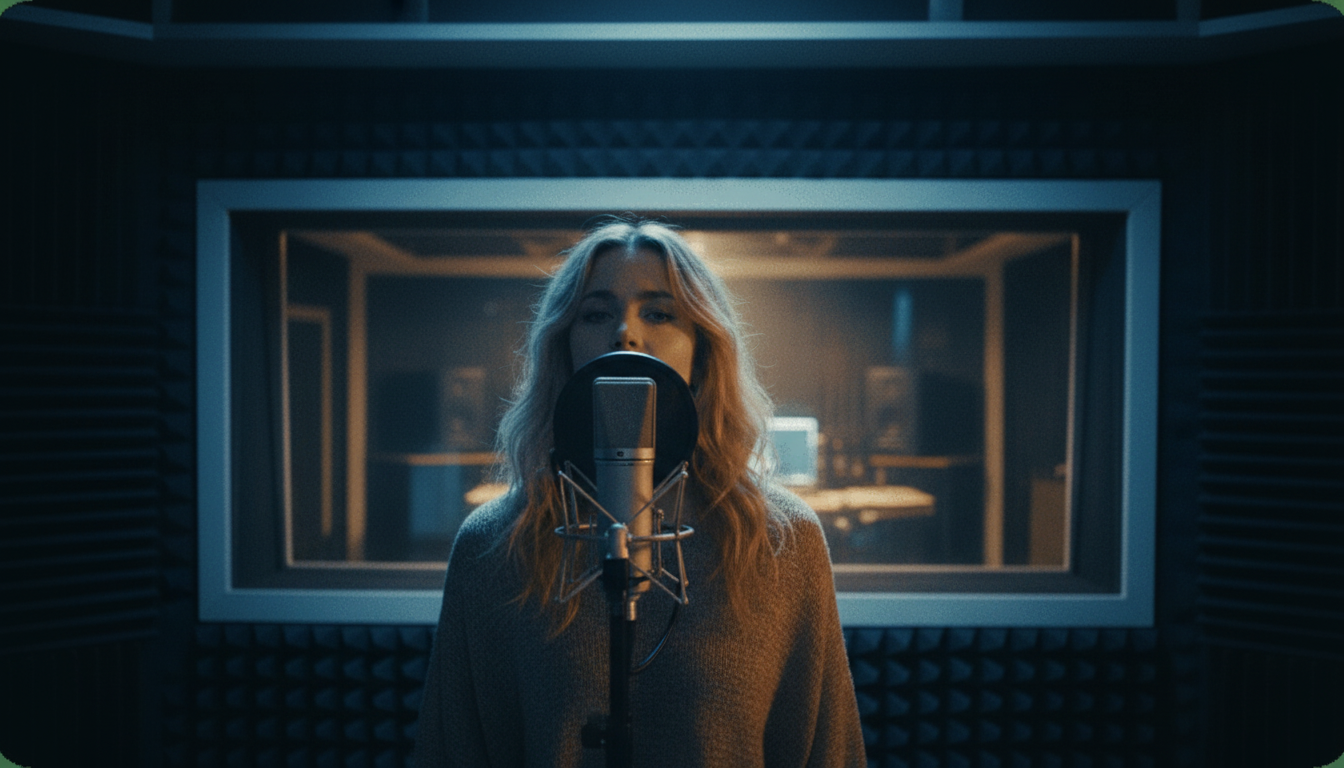
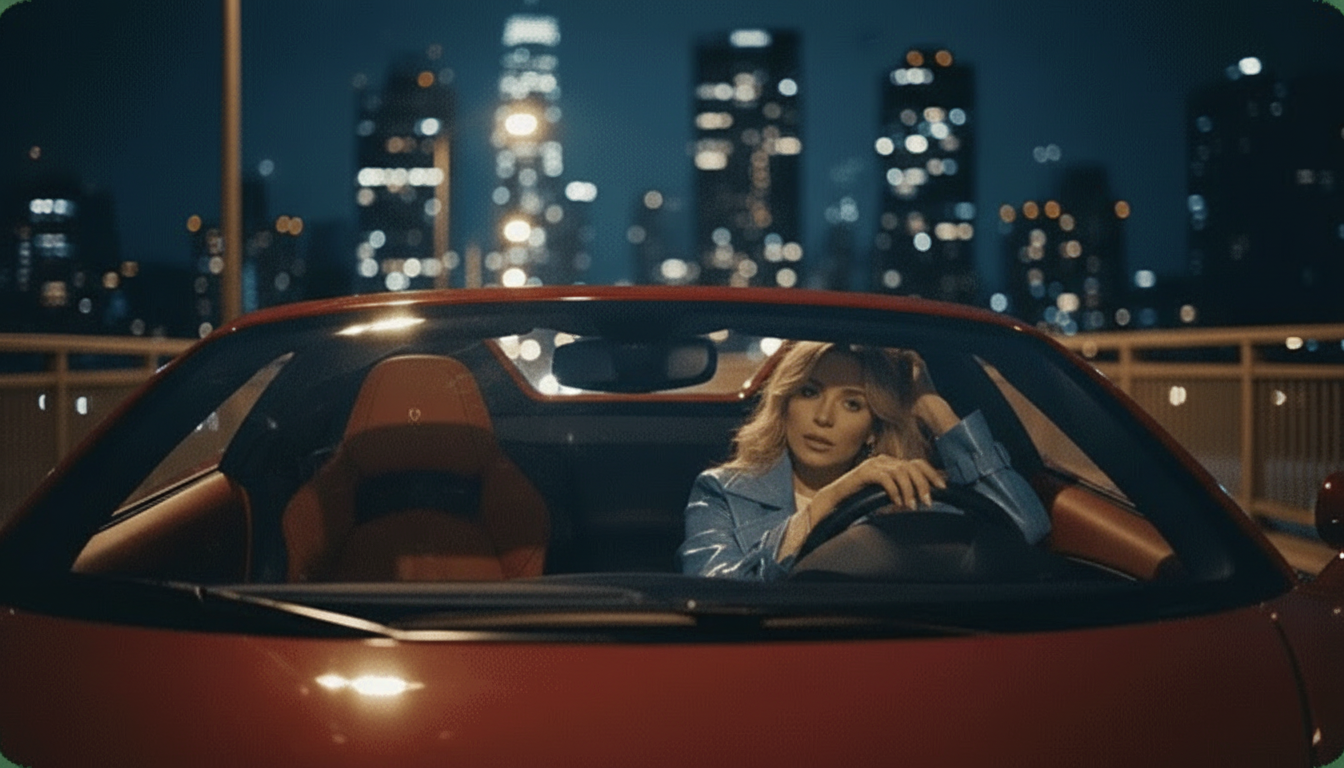
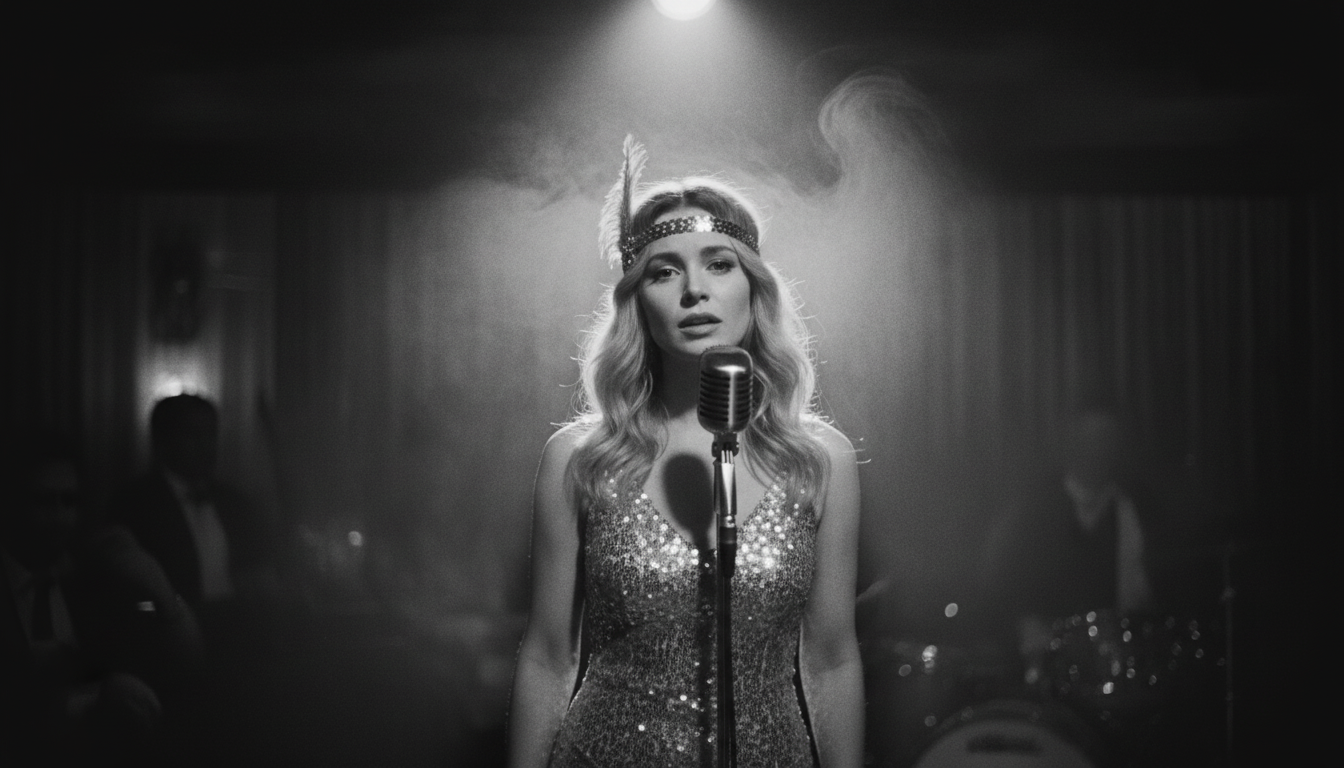
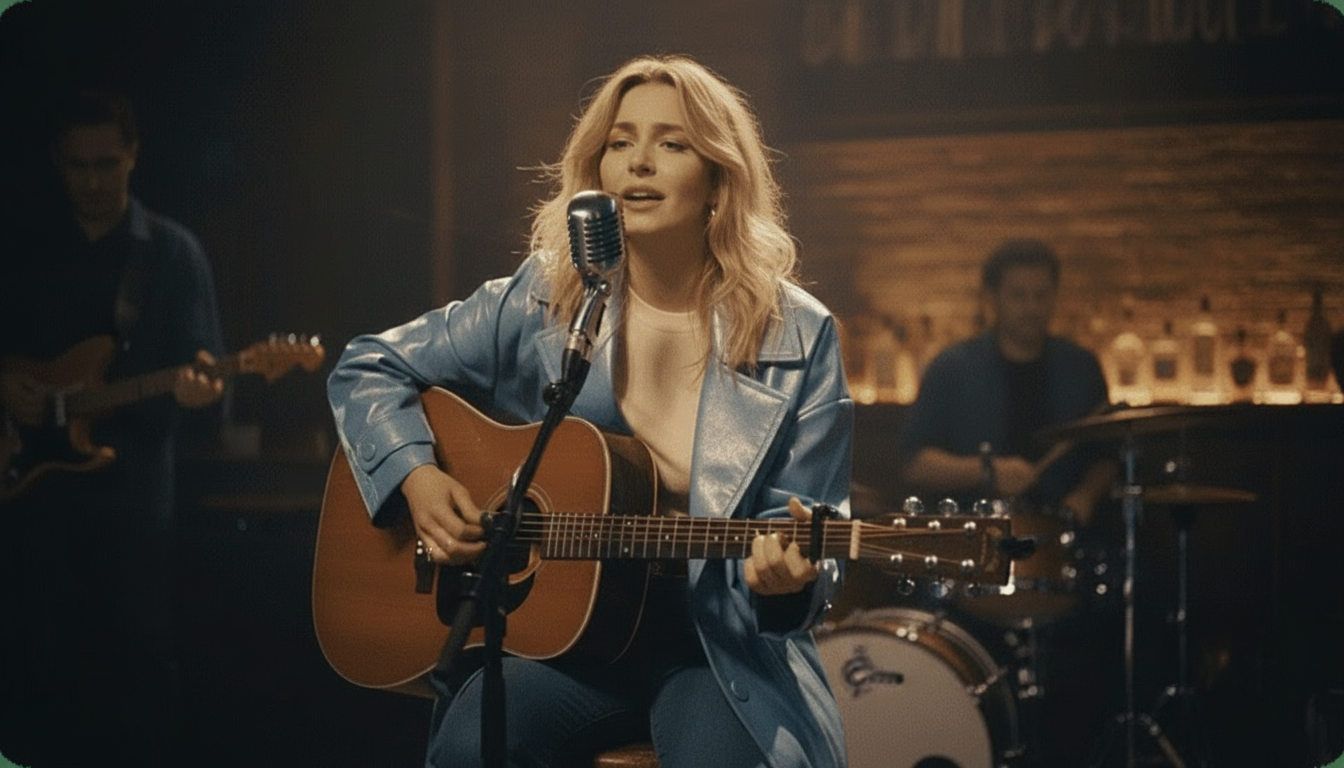
This is where you can get creative. karaokemaker.ai offers several modes, such as Solo for a single face, Duet for two faces in one photo, or even Pet mode for your furry friends. You can also select from six instant stage presets like 'Jazz Club' or 'Supercar' to set the mood, or customize the background with your own image for a personal touch.Step 3
3. Generate and Download Your Video
Once you've configured your settings, let the AI work its magic. The tool will process the files and generate a fully animated video with synchronized lip movements. You can preview the result and, once satisfied, download the final MP4 file completely free and without any watermarks, ready to be shared directly to your social media platforms.
5 Creative Ways to Use an AI Singing Photo Generator
- Bring Old Family Photos to Life: Animate a vintage photograph of an ancestor 'singing' a song from their era or 'telling' a family story in their own voice if you have a recording. This can be a powerful and emotional way to connect with your heritage and share it with younger generations in a dynamic new format.
- Create Unique Social Media Content: For TikTok, Reels, and Shorts, stand out from the crowd. Animate a picture of your pet 'singing' a trending audio clip, or create a talking version of your business logo to make announcements. The novelty factor of a singing photo can significantly boost engagement and help your content get noticed.
- Make Personalized Digital Greeting Cards: Instead of a static e-card, send a singing one. Animate a photo of you and a friend to 'sing' Happy Birthday, or have a picture of a beloved pet 'deliver' a get-well-soon message. It's a memorable and personal touch that feels far more special than a generic card.
- Produce Engaging Content for Musicians: If you're an artist, create a low-effort teaser for a new song by animating your album art or a promotional photo. It’s a quick and easy way to generate video content to promote your music across social platforms without the time and expense of a full music video shoot.
- Craft Viral Memes and Reactions: Animate historical figures from paintings, statues from museums, or even inanimate objects with faces to react to current events or chime in on meme culture. This type of humorous and unexpected content has a high potential for going viral due to its originality.
Frequently Asked Questions
What is the best free AI singing photo generator with no watermark?
Can I make any photo sing?
Which singing photo app is best for TikTok and Instagram Reels?
How can I animate an old or historical photo to sing?
Are AI singing photo generators safe to use?
Is there an AI tool that can make two people in a photo sing a duet?
Do I need any technical skills to use these tools?
Ready to Bring Your Photos to Life?
Stop settling for free trials with hidden watermarks and limits. Try karaokemaker.ai now and create unlimited, high-quality singing photo videos for free.
Try AI Singing Photo GeneratorRelated guides
How-To Guide
How to Make Any Photo Sing: A Simple Guide
Learn the step-by-step process for turning a still image into a singing video with AI.
How-To Guide
How to Lip Sync a Photo to Any Song
A detailed walkthrough on creating perfectly synchronized lip-sync videos from your favorite photos.
Creative Fun
How to Create an AI Singing Animal Video
Bring your pet photos to life by making them sing trending songs with just a few clicks.
Sources
- karaokemaker.ai — Free AI Singing Photo Generator - The tool featured in this guide for creating free, watermark-free singing photo videos.