karaokemaker.ai
AI Video Creation Guide
How to Use a Singing Animal Generator to Make Your Pet a Star
Turn a simple photo of your pet into a hilarious, shareable singing video with AI. This step-by-step tutorial shows you how to create an AI singing animal video for free, perfect for TikTok, Reels, and YouTube Shorts.
SarahUpdated 2026-08-028 min read

Videos of pets seemingly singing along to pop songs have become a staple of social media feeds. This isn't magic, it's the work of accessible AI technology. A singing animal generator takes a static photo of your pet and animates its mouth to match the lyrics and rhythm of any song or audio clip. The result is a funny, surprising, and highly shareable piece of content that looks complex but is incredibly simple to create.
This guide provides a complete tutorial on how to make your pet sing with AI. We'll walk you through the entire process, from choosing the perfect photo to generating and downloading your final video. You'll learn how to turn a pet photo into a singing video that's ready for TikTok, Instagram Reels, or any other platform. Best of all, we'll be using a tool that's completely free and doesn't put a watermark on your creation.
Before starting, it's important to remember a key principle: you must only use photos that you own or have explicit permission to use. This guide will show you how to creatively and responsibly bring your own pet's photo to life without needing any technical skills or expensive software.
What You'll Need to Get Started
Before you dive in, gather these three simple items. The whole process takes just a few minutes, with no special software or skills required.
- A Clear Photo of Your Pet. For the best results, use a high-quality, front-facing picture where your pet's face, especially their mouth and eyes, is clearly visible. Remember, it is essential that you own the photo or have the rights to use it.
- An Audio Clip. This can be your favorite song, a short voice recording, or a funny soundbite. The AI will analyze this audio to sync your pet’s mouth movements and create the animation.
- A Free AI Tool. This guide uses karaokemaker.ai, a completely free online singing animal generator that doesn't add watermarks or require a subscription to download your video. All you need is your web browser.
How to Make Your Pet Sing with AI
Step 1
Step 1: Upload Your Pet's Photo
Begin by selecting and uploading your chosen photo. A clear, front-facing shot where the pet is looking directly at the camera works best. This orientation allows the AI to accurately identify facial features like the eyes and mouth, which is crucial for creating a convincing and high-quality animation.Ensure the photo you use is one you have full permission to animate. Using your own photos is always the safest option.Step 2
Step 2: Add Your Song or Audio File
Next, upload the audio you want your pet to 'sing.' This can be an MP3 of a popular song, a custom voice memo, or any sound clip. The AI algorithm analyzes the audio's waveform, detecting syllables and pauses to generate corresponding mouth shapes and movements for the animation.Step 3
Step 3: Select the 'Pet Karaoke' Mode
Karaokemaker.ai offers several animation modes designed for different types of photos. For this project, be sure to select the 'Pet Karaoke' option. This mode uses a model specifically trained on animal faces, ensuring the animation looks more natural and is better adapted to non-human features.Step 4
Step 4: Choose a Background 'Stage Preset'
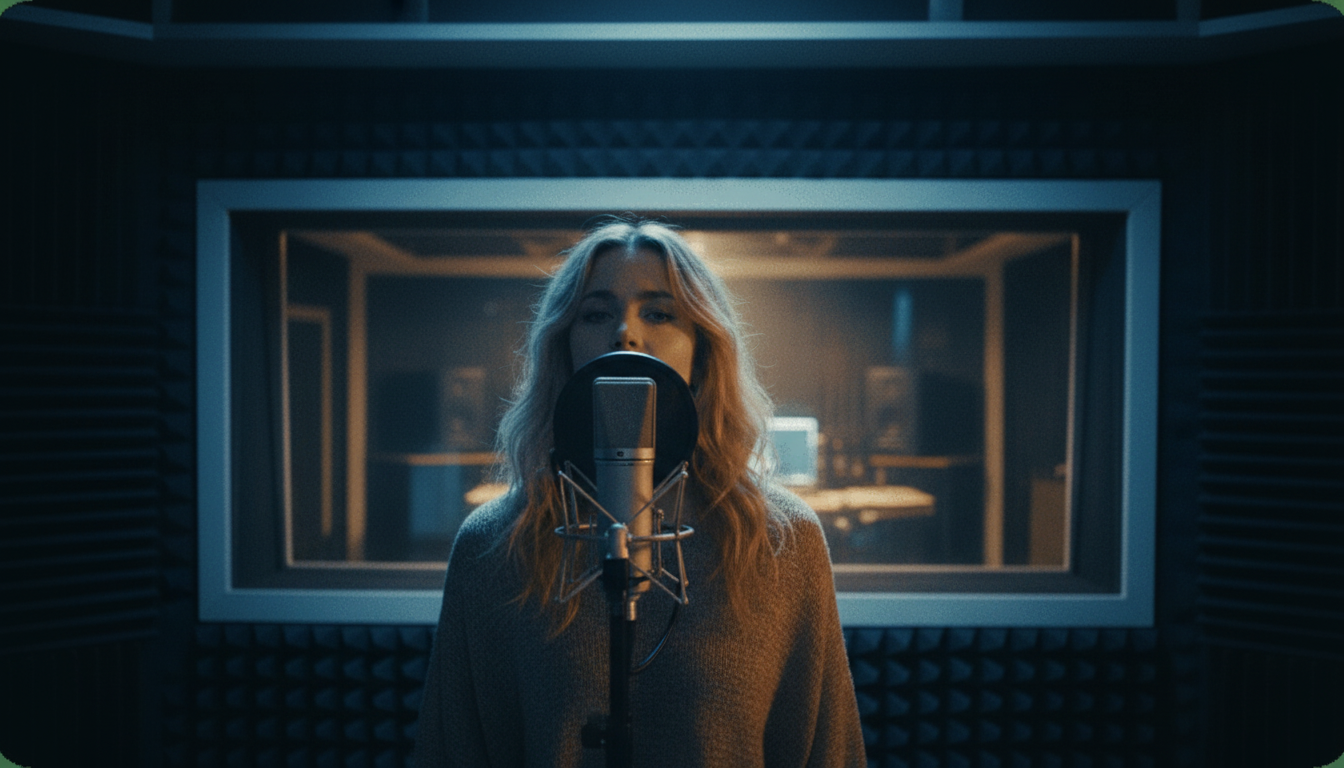
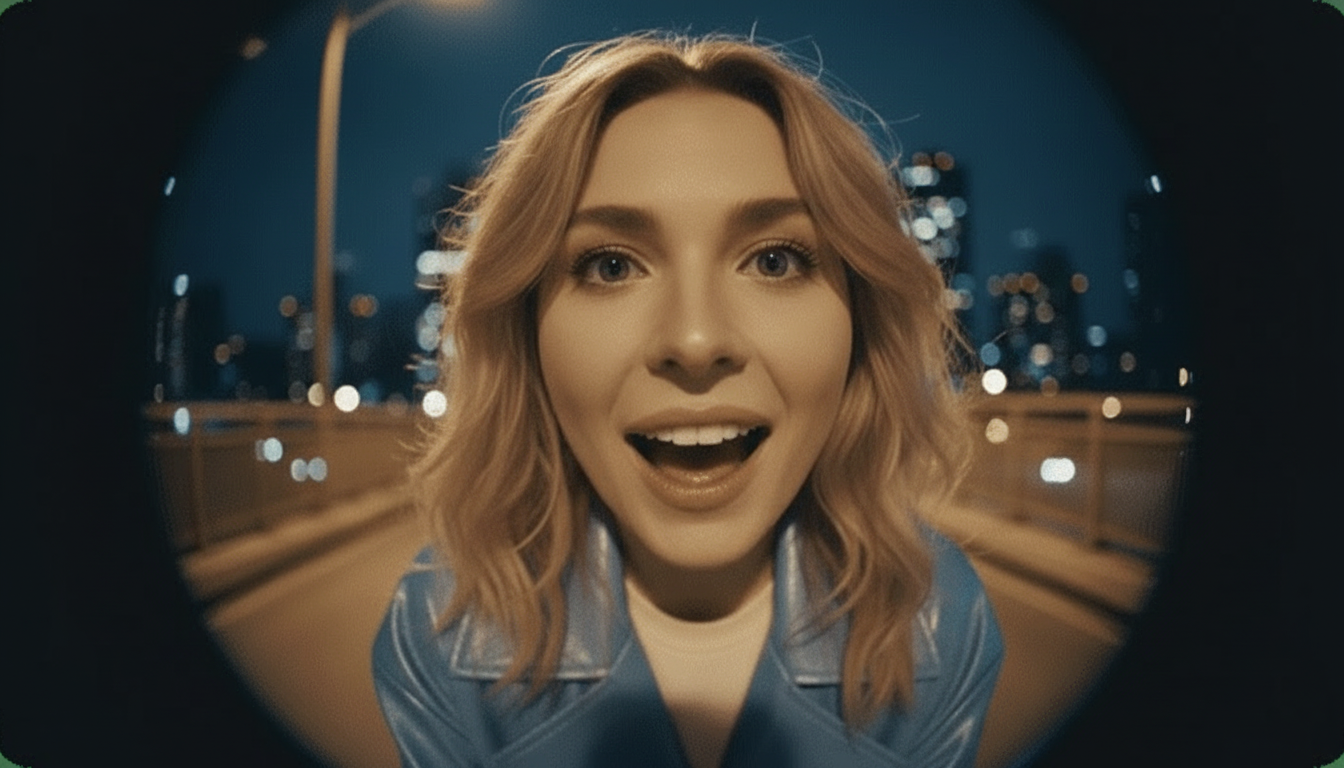
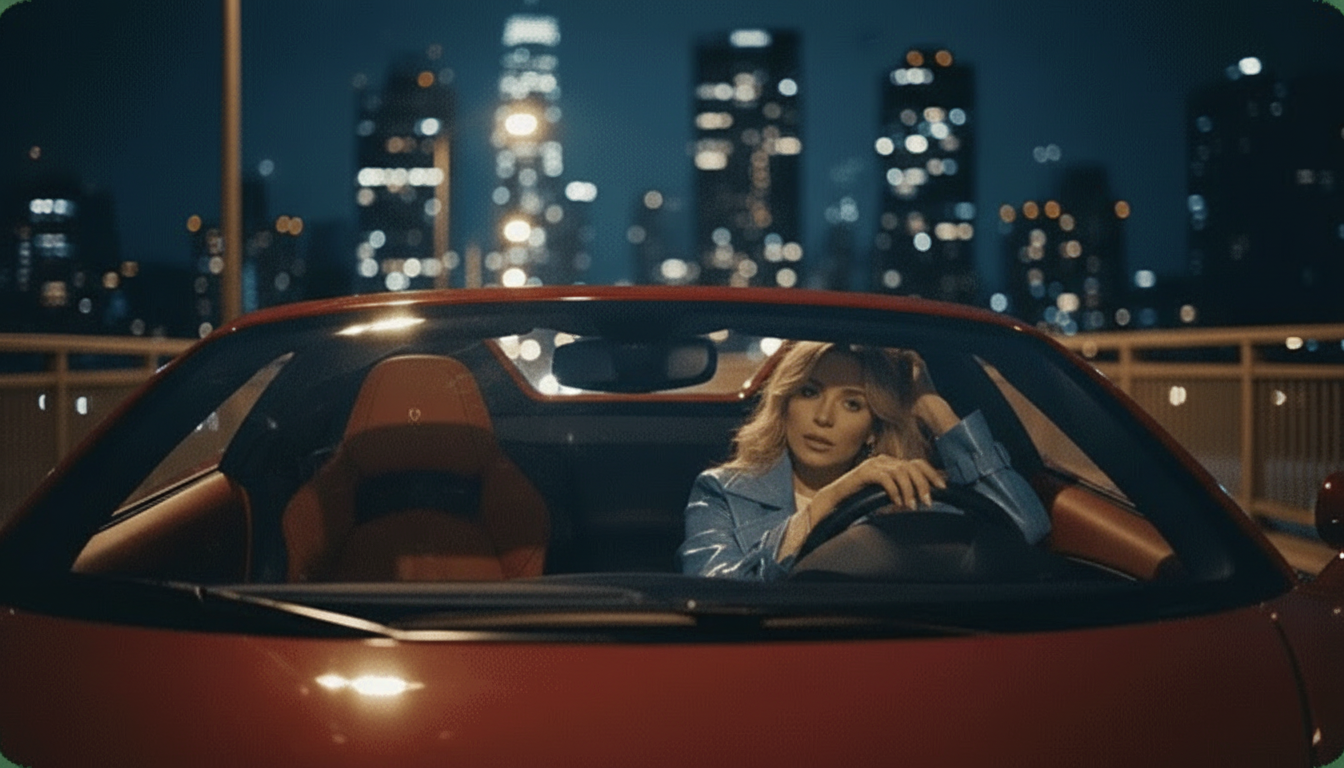
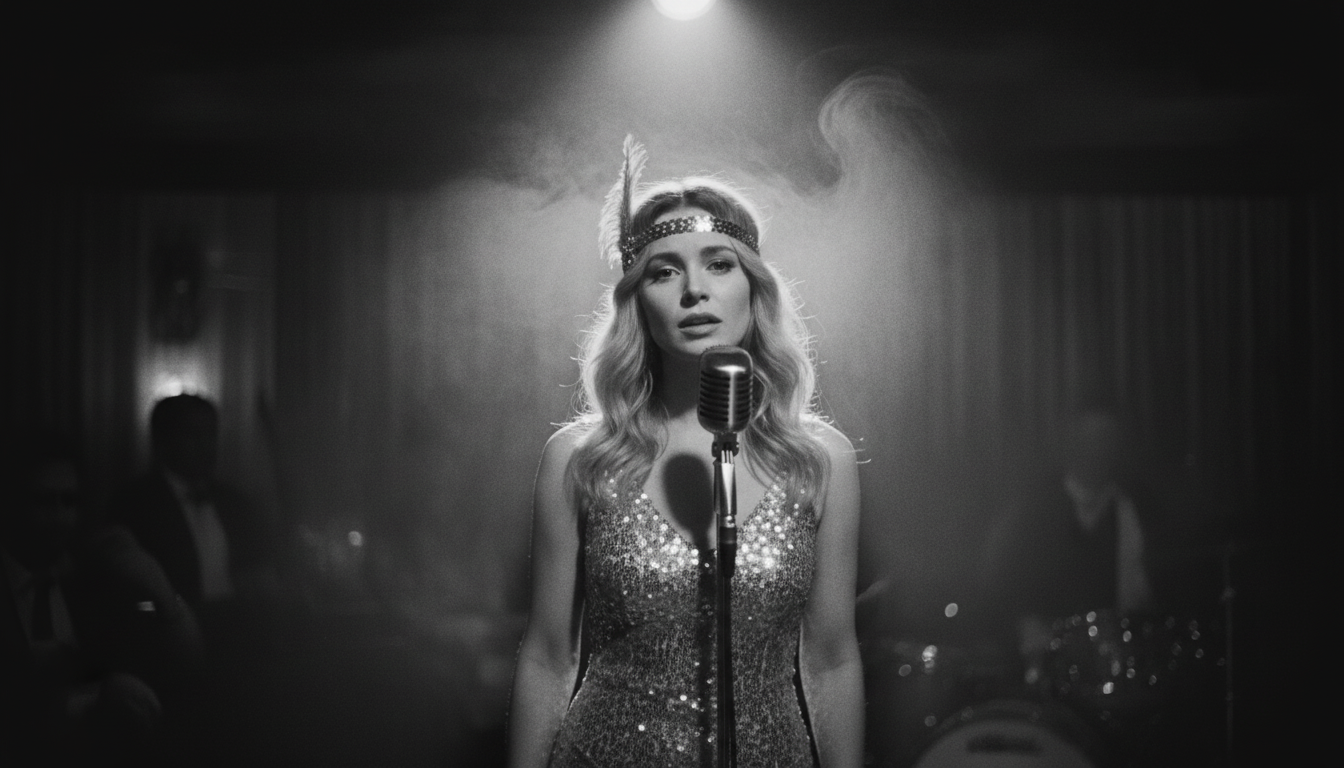
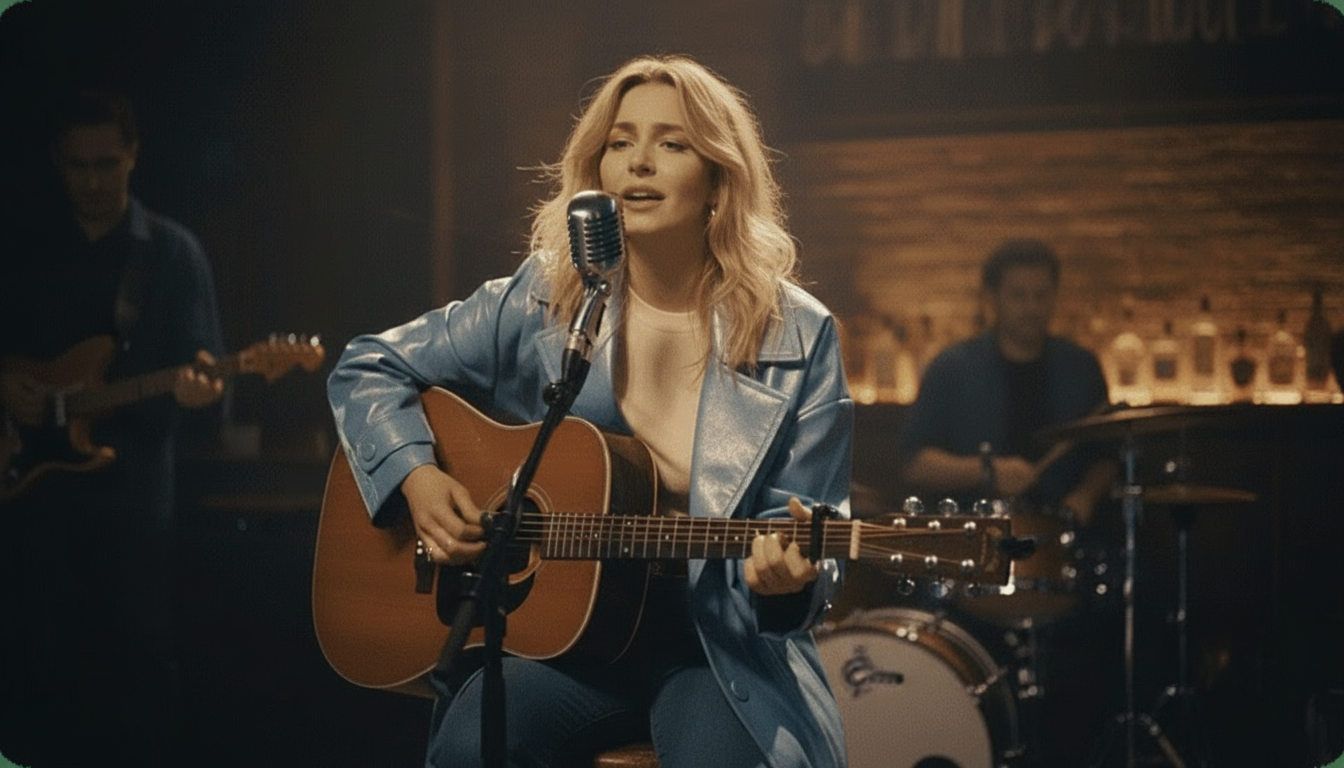
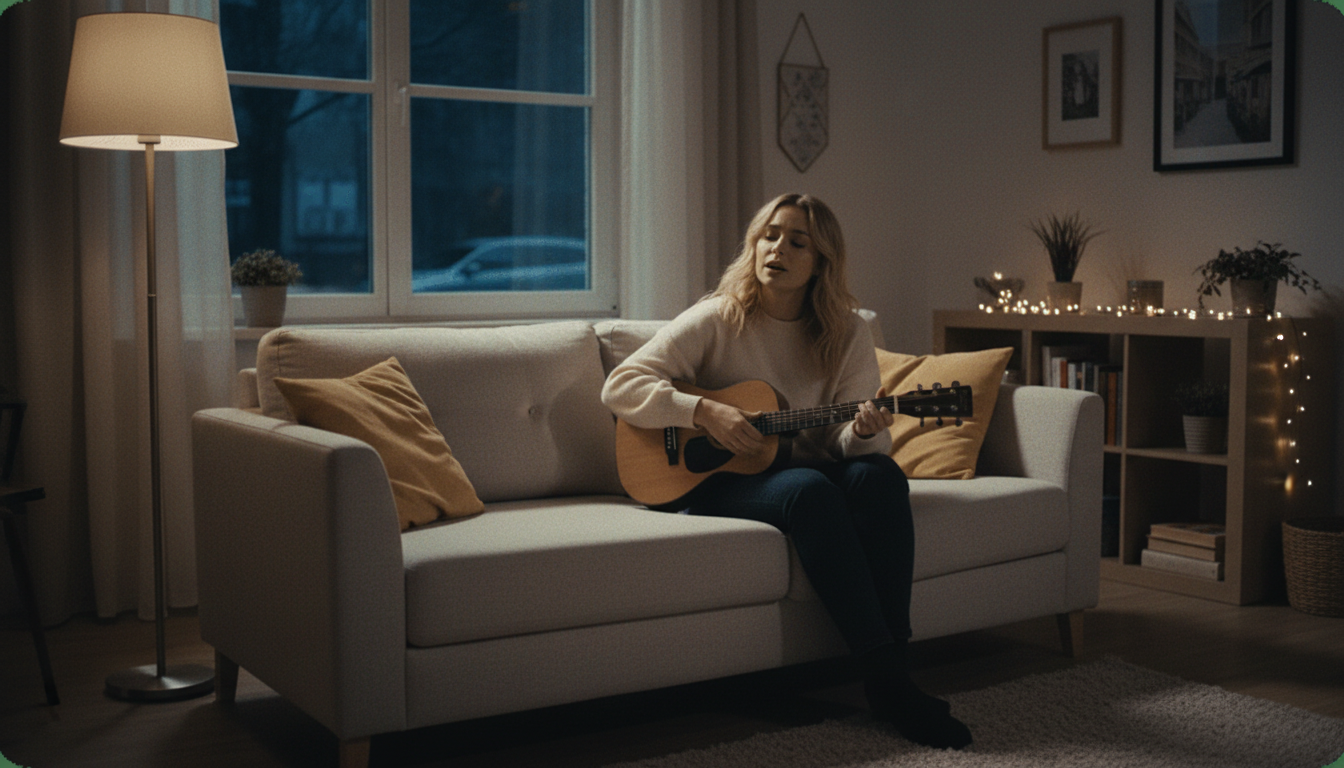
To add context and flair to your video, select one of the six available Stage Presets: Studio, Jazz Club, Home, Bar, Supercar, or Fisheye. These presets instantly place your pet in a themed environment, saving you the effort of using a separate video editor to add a background.Step 5
Step 5: Customize Your Scene (Optional)
If you want more creative control, you can use the Custom Scene Editing tools. This feature lets you adjust the position and scale of your pet, change background elements, and tweak the overall composition. It's a great way to add a personal touch and make your video stand out.Step 6
Step 6: Generate and Download Your Video
Once you are satisfied with your setup, click the generate button. The AI will process your photo and audio, render the animation, and create the final video file. You can then download it directly to your device as a high-quality MP4, completely free and without any watermarks.
Karaokemaker.ai vs. Other Lip-Sync Tools
| Feature | Karaokemaker.ai | HeyGen | musci.io | aisongmaker.io |
|---|---|---|---|---|
| Pricing | Completely free, no limits | Free plan with credit limits | Free plan with limits | Free plan trims audio |
| Watermark | None | Watermark on free plan | Watermark on free plan | Not specified |
| Free Tier Limits | No limits on video length or downloads | 1 minute video length cap | 480p resolution cap | Audio trimmed to 1 second |
| Key Focus | Pet Karaoke Mode, 6 Stage Presets | Professional AI avatars | Music video creation | AI song covers |
Frequently Asked Questions
How can I create an AI singing animal video for free?
You can create an AI singing animal video for free using an online tool like karaokemaker.ai. Simply upload a photo of your pet and an audio file, and the AI will animate the photo to make it look like your pet is singing. The entire process is web-based, requires no payment or subscription, and allows you to download the final video without a watermark.
What kind of photo works best for a singing pet video?
The best photo is a clear, high-resolution, front-facing shot where your pet's entire face is visible. Good lighting and a clear view of the mouth and eyes help the AI create a more realistic and convincing animation. Avoid photos that are blurry, dark, or where the face is at an angle or partially obscured.
How do I turn a pet photo into a singing video for TikTok?
To turn a pet photo into a singing video for TikTok, first use a tool like karaokemaker.ai to create the core video. Keep the audio clip short, ideally under 15 seconds, to match TikTok's fast-paced format. Once you've downloaded the MP4 file, upload it directly to TikTok, add trending sounds or text overlays, and use relevant hashtags like #singingdog or #petsoftiktok to increase its visibility.
Is it okay to use a photo of any animal I find online?
No, you should only use photos that you have taken yourself or have explicit permission to use. Using images you find online without permission can infringe on the photographer's copyright and the pet owner's rights. The rule is to always use your own content to avoid any legal or ethical issues.
Do I need special software to make my pet sing with AI?
No special software is needed. Modern AI singing animal generators like karaokemaker.ai are entirely web-based. This means you can create your video directly in your browser on a computer or mobile device without needing to download or install any complex video editing applications.
What's the best way to make a funny singing animal video?
The key to a funny video is often contrast and surprise. Pair a photo of a serious-looking cat with a high-energy pop song, or a tiny chihuahua with a deep, booming voice track. Choosing an unexpected song or audio clip that clashes with the pet's expression is a classic formula for creating hilarious, shareable content.
Can I use my own voice instead of a song?
Yes, absolutely. You can record a short voiceover, a funny line of dialogue, or even just make silly sounds and upload that audio file. The AI will sync your pet's mouth movements to your voice just as it would with a song, which opens up many creative possibilities for making talking animal videos instead of just singing ones.
Ready to Make Your Pet Famous?
Turn your favorite pet photo into a viral sensation in just a few clicks. Use our free AI singing animal generator to create hilarious videos for your friends, family, and followers. No sign-up, no watermarks, just pure creative fun.
Create Your Singing Animal Video NowRelated guides
How-to Guide
How to Make Any Photo Sing with AI
Learn the basics of AI photo animation and bring any portrait to life with music or voice.
Best Of
The Best AI Lip Sync Tools for Creators
A roundup of the top free and paid AI tools for creating realistic lip-sync videos from a single image.
How-to Guide
Step-by-Step: How to Make a Talking Photo
Go beyond singing and learn how to make a static photo speak with any audio you provide.
Ideas
10 Ways to Repurpose One Song for Social Media
Maximize your content strategy by turning a single track into ten different pieces of engaging video content.
Sources
- Karaokemaker.ai — Free Singing Animal Generator - The tool used throughout this how-to guide.