AI Video Generation
Finding the Best AI Lip Sync Tool: A 2026 Comparison

What to Look For in an AI Lip Sync Tool
- Animation Quality and Realism. The primary measure of a good tool is how convincing the final animation looks. The lip movements should sync accurately with the audio, and the facial expressions should appear natural rather than robotic. Look for tools that offer smooth, high-fidelity animation.
- Pricing Model and Limitations. This is the most critical factor for many users. Is the tool truly free, or is it a 'freemium' model? Check for watermarks, video length caps, resolution limits (e.g., 480p vs. 1080p), and usage quotas. The best free ai lip sync tool will have no watermark and generous limits.
- Ease of Use. A great tool should have an intuitive interface that doesn't require a technical background. The process of uploading a photo and audio, generating the video, and downloading the result should be straightforward. A simple workflow saves you time and frustration.
- Customization Options. Beyond basic lip syncing, what else can you control? Some tools offer different animation styles, background presets, or even the ability to edit the scene. These features allow you to create a video that aligns with your specific creative vision.
- Ethical Use and Consent. Reputable tools should be clear about user rights. You should only animate photos that you own or have explicit permission to use. Animating someone else's image without consent is a violation of their privacy and rights.
Top AI Lip Sync Tools Compared
| Tool | Key Feature | Free Plan Limitations | Best For |
|---|---|---|---|
| karaokemaker.ai | Multiple animation modes (Solo, Duet, Pet, Talking Photo), scene presets, and custom editing. | None. Unlimited, full-feature use with no watermarks. | Content creators and musicians needing high-quality, watermark-free videos without a budget. |
| HeyGen | Focus on professional AI avatars and templates for business presentations. | Watermarked videos, short clip length limits (typically 1 minute). | Corporate users creating training videos or professional presentations. |
| musci.io | Specializes in creating singing animations from photos. | Video resolution capped at 480p; longer videos require paid plans. | Musicians creating quick, low-resolution promotional clips for social media. |
| aisongmaker.io | Generates AI-powered song covers and singing animations. | Free audio previews are trimmed to just one second, making it unusable for full videos. | Testing audio snippets before committing to a paid plan. |
How to Create a Lip Sync Video in 4 Steps
Step 1
Step 1: Upload Your Photo
Start by selecting a high-quality, front-facing photo. For the best results, ensure the face is well-lit and not obstructed by hair, hands, or shadows. Remember, you must use a photo of yourself or one that you have the explicit rights to animate. This is a crucial ethical and legal consideration.Step 2
Step 2: Add Your Audio
Next, upload the audio file you want the photo to sync with. This can be a song, a voiceover, a podcast clip, or any other sound recording. The AI will process this audio to match the mouth shapes (visemes) to the sounds in the track, creating a realistic animation.Step 3
Step 3: Customize the Scene (Optional)
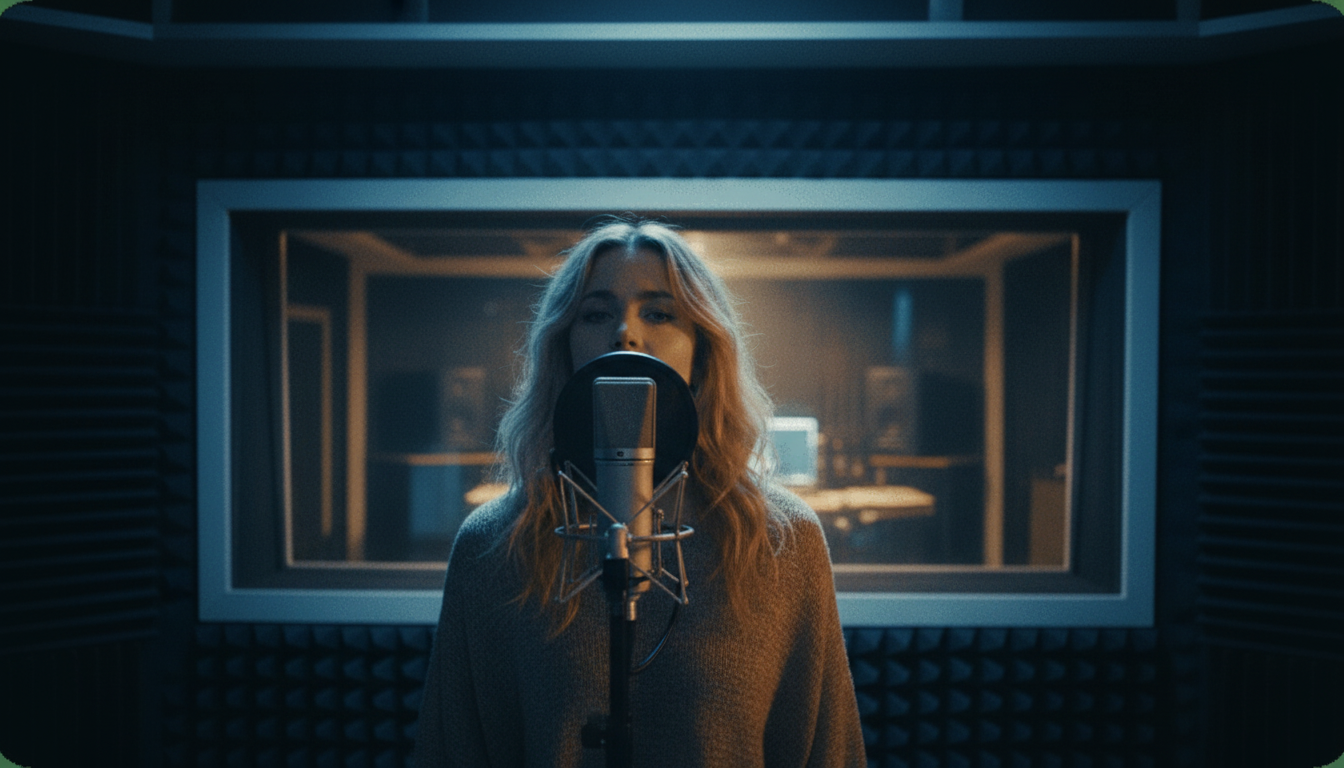
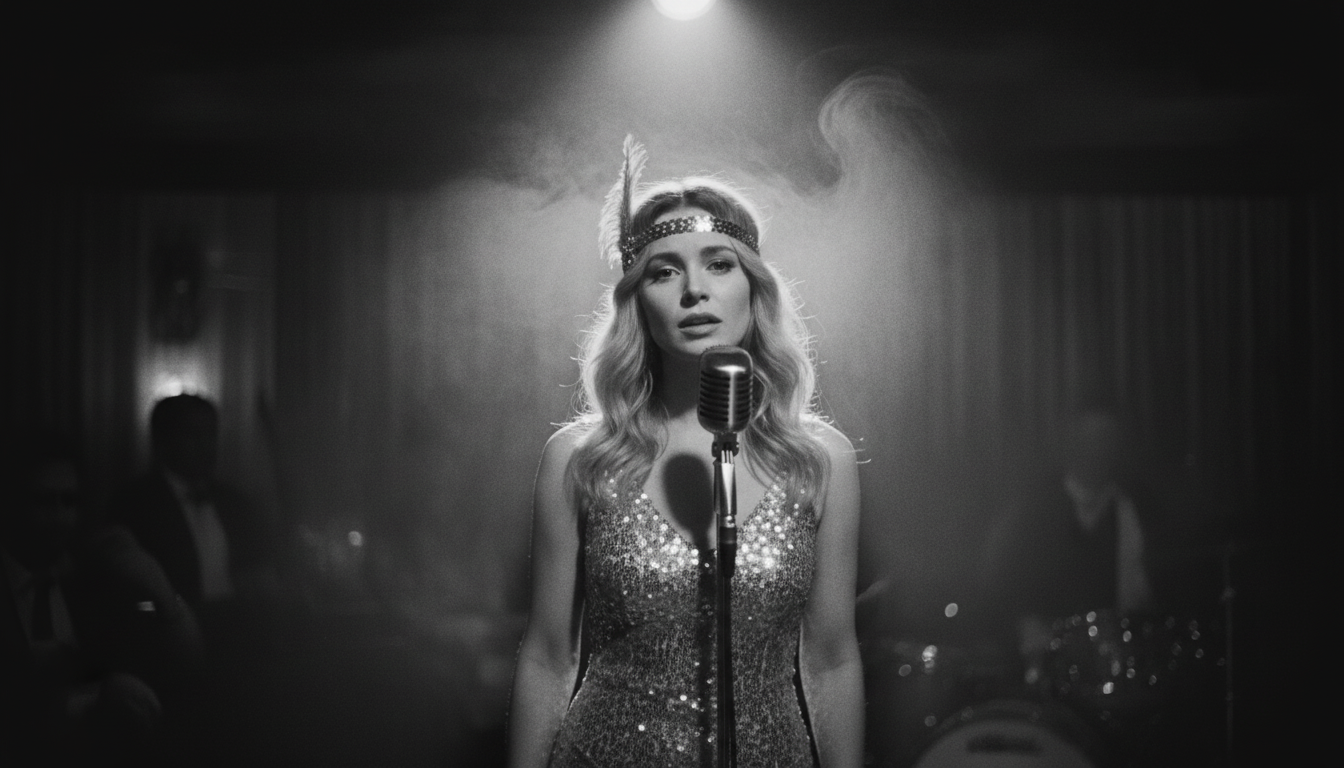
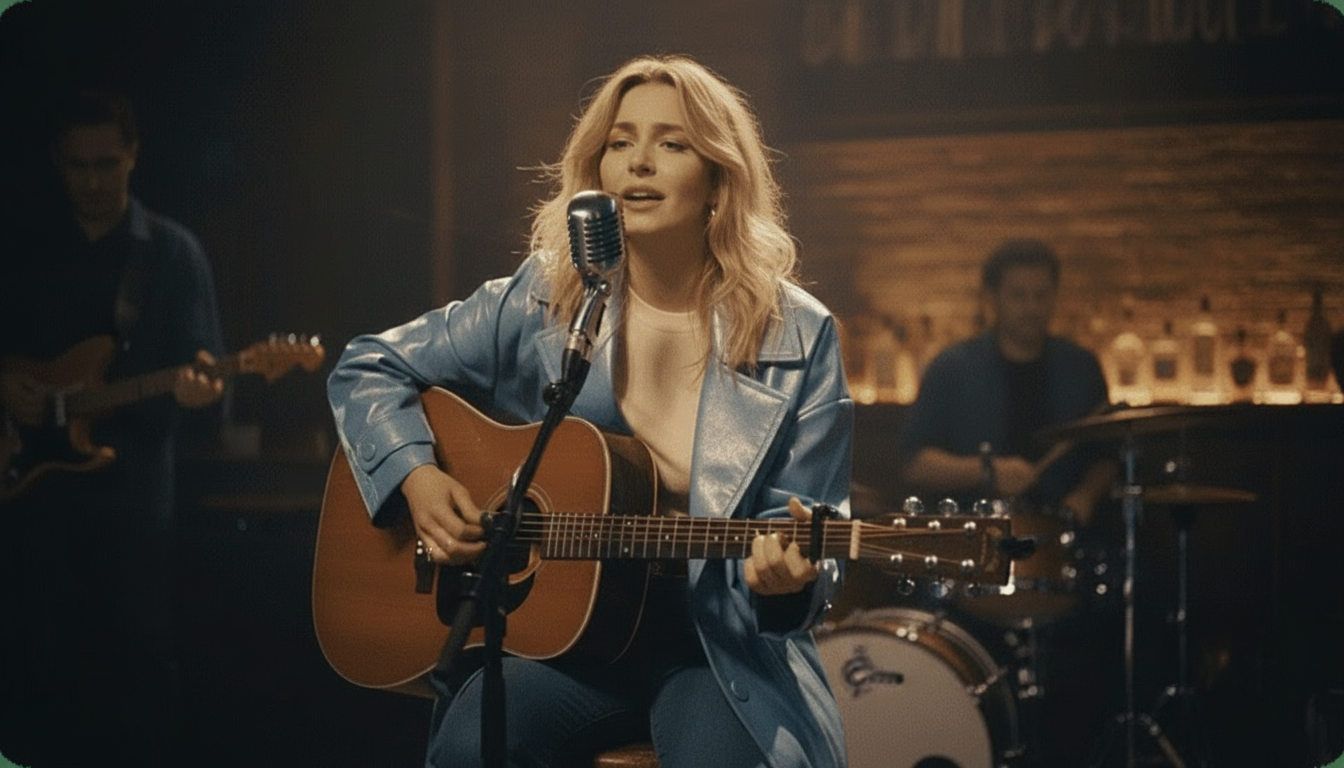
This is where you can add your creative touch. karaokemaker.ai offers six instant stage presets like 'Jazz Club' or 'Studio' to quickly set a mood. You can also use the custom scene editor to change backgrounds and apply different visual effects to make your video unique.Step 4
Step 4: Generate and Download Your Video
Once you're happy with your setup, click to generate the video. The AI will create the animation and provide a final video file. With a truly free tool like karaokemaker.ai, you can download the full, high-quality video immediately without any watermarks or requests for payment.Unlike other tools, there's no credit system or output limit, so you can experiment as much as you want.
Beyond Memes: Creative Uses for Lip Sync Tools
Common Questions About AI Lip Sync Tools
What is the best free AI lip sync tool with no watermark?
Can I legally use any photo for an AI lip sync video?
How does AI lip sync technology work?
Are AI lip sync apps safe to use?
Can I lip sync a video instead of just a photo?
What is the difference between a 'talking photo' and a 'lip sync' tool?
How can content creators use AI lip sync tools?
Ready to Create Your Own Lip Sync Video?
Stop dealing with watermarks and frustrating limits. With karaokemaker.ai, you can create unlimited high-quality, animated videos from your photos for free. Bring your images to life in minutes.
Animate a Photo for FreeRelated guides
How-To Guide
How to Make Any Photo Sing with AI
A step-by-step guide to animating a still image to sing any song, from uploading your photo to downloading the final video.
Beginner Tutorial
How to Lip Sync a Photo: A Beginner's Guide
Learn the basics of creating a realistic lip-synced video from a single picture, including tips for getting the best results.
Tool Roundup
The Best AI Singing Photo Generators of 2026
We review and compare the top tools specifically designed to make photos sing, looking at quality, features, and cost.
Content Strategy
10 Ways to Repurpose One Song for Social Media
Unlock the full potential of your music by turning a single track into ten different pieces of content for TikTok, Reels, and Shorts.
Sources
- karaokemaker.ai — Free AI Lip Sync Photo Tool - The primary tool featured in this guide for its free, unlimited, and watermark-free video generation.