AI Photo Animation
Finding the Best Talking Photo Generator of 2026

What Makes a Great Talking Photo Generator?
How We Compared the Top Talking Photo Generators
Cost and Monetization Model
We analyzed whether a tool is truly free, a freemium service with a limited free tier, or entirely paid. Many services advertise as free but use a credit system or severe restrictions to push users towards a subscription. A genuinely free tool offers full functionality without a paywall.
Watermarks and Usage Limits
A prominent watermark can make a video unusable for professional or serious social media use. We checked which tools offer watermark-free exports on their free plans. We also looked at limits on video length, export resolution, and the number of videos you can create per month.
Lip-Sync Quality and Realism
The core of any talking photo app is its AI animation. We assessed the accuracy of the lip-sync, the naturalness of the head movements, and the overall realism of the animation. The best tools create believable motion that matches the cadence and timing of the supplied audio.
Customization and Features
Beyond basic animation, what else can the tool do? We looked for features like custom backgrounds, preset visual styles or 'stages', and the ability to upload your own audio versus relying on text-to-speech. More features give you greater creative control over the final video.
Best Talking Photo Generators Compared
| Tool | Free Plan Offering | Watermark on Free Plan? | Best For |
|---|---|---|---|
| karaokemaker.ai | Unlimited videos, full feature access, including custom scene editing and stage presets. | No | Creators wanting a completely free, high-quality tool with no watermarks or limits. |
| HeyGen | Limited to short clips and a small number of credits for the free plan. | Yes | Businesses looking for a professional tool and willing to pay for a subscription. |
| musci.io | Free plan available but output is capped at 480p resolution and has length limits. | Yes | Users who need a quick animation and don't mind lower resolution or watermarks. |
| aisongmaker.io | Free version trims audio to just one second, making it a demo rather than a functional free tool. | Yes | Testing the technology before committing to a paid plan on their platform. |
How to Create a Talking Photo in 4 Steps
Step 1
Step 1: Upload Your Photo
Start by selecting a clear, well-lit, front-facing photo. For the most realistic animation, the subject's face should be unobstructed. Most importantly, ensure you have the rights to use the image, whether it's a picture of you, a friend who has given permission, or a properly licensed stock photo.Step 2
Step 2: Add Your Audio
Next, provide the audio you want the photo to speak. You can typically either upload an existing audio file (like a voice recording or a sound clip) or use a built-in text-to-speech function to generate a voice from typed text. A clean audio recording will produce the best lip-sync results.Step 3
Step 3: Customize Your Scene (Optional)
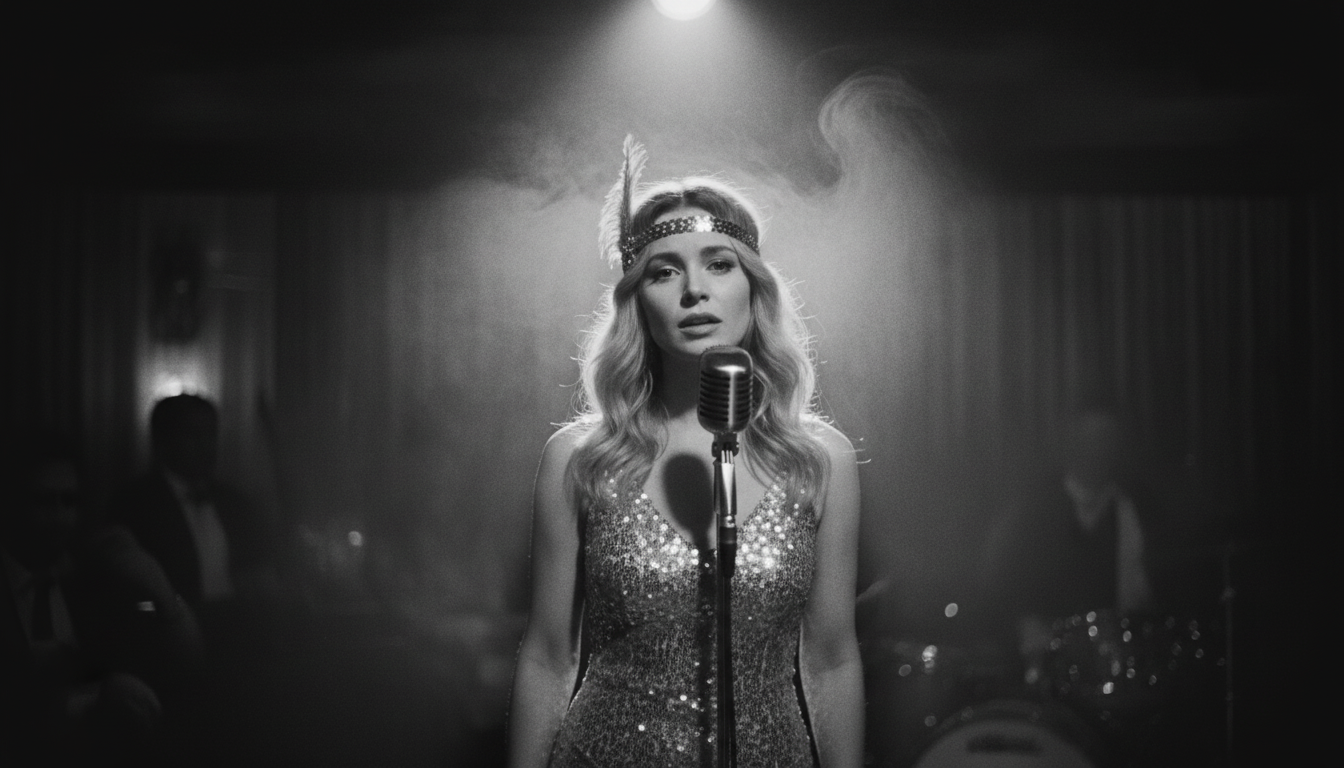
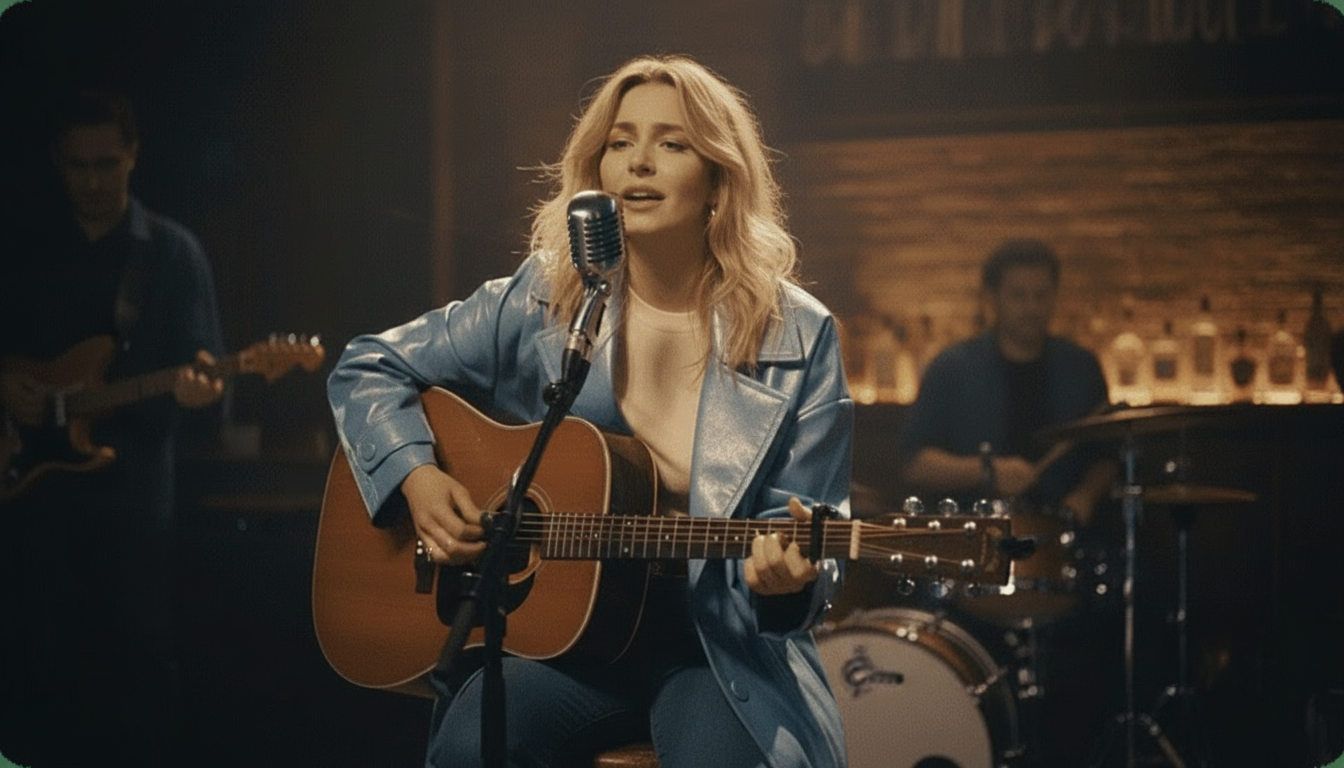
Many top tools, including karaokemaker.ai, allow you to enhance your video. You can choose from instant stage presets like a Jazz Club or Studio, or use custom scene editing to change the background. This step can elevate a simple animation into a more polished piece of content.Step 4
Step 4: Generate and Download
Once you're happy with your setup, let the AI process the video. This usually takes a minute or two. The tool will analyze the audio and animate the photo's facial features to match. After it's done, you can preview the result and download the final video file, ready to be shared.
Creative Ways to Use a Talking Photo Generator
- Animate Old Family Photos. Bring history to life by making an ancestor's portrait narrate a family story or share a piece of history. This is a powerful way to connect with the past and create a memorable video for family gatherings or genealogy projects.
- Create Viral TikToks and Reels. Animate a meme photo with a trending sound clip or create a funny skit using a still image. The unexpected nature of a talking photo is perfect for capturing attention on short-form video platforms and increasing engagement.
- Make Personalized Greetings. Instead of a standard e-card, send a talking photo for birthdays or holidays. You can use a photo of yourself, a pet, or even an inanimate object to deliver a fun and unique message to friends and family.
- Enhance Presentations and Educational Content. Use an animated historical figure to introduce a topic in a history lesson, or create a talking avatar to guide viewers through a software tutorial. This can make informational content more dynamic and engaging.
Common Questions About Talking Photo Generators
What is the best free talking photo generator with no watermark?
Can I use these tools to make old photos talk?
Are AI talking photo apps safe and ethical to use?
How can I get the most realistic results?
What is the difference between a talking photo and a lip-sync video?
Can I use my own voice in a talking photo?
Ready to Animate Your Photos?
Create stunning talking photos in seconds with our completely free AI tool. No watermarks, no limits, and no credit card required. Bring your images to life and share them with the world.
Start Creating for FreeRelated guides
How-To Guide
How to Make a Talking Photo Step-by-Step
Our detailed guide walks you through the entire process of creating your first talking photo, from picking the right image to sharing your final video.
How-To Guide
How to Lip Sync a Photo to Any Song or Audio
Learn the tips and tricks for creating a perfect lip-sync video, whether you want your photo to sing a classic song or recite a famous movie line.
Best Of
The Best AI Lip Sync Tools Compared
We review and rank the top AI lip-sync apps available today, comparing them on features, quality, and price to help you find the right one.
How-To Guide
How to Make Any Photo Sing With AI
Go beyond talking and learn how to make a photo sing your favorite song with our easy-to-follow tutorial on AI singing photo generation.
Sources
- karaokemaker.ai — Free AI Talking Photo - The product page for the free tool featured in this guide.
- HeyGen — AI Video Generator - A professional video generation platform with talking photo features, used for comparison.